
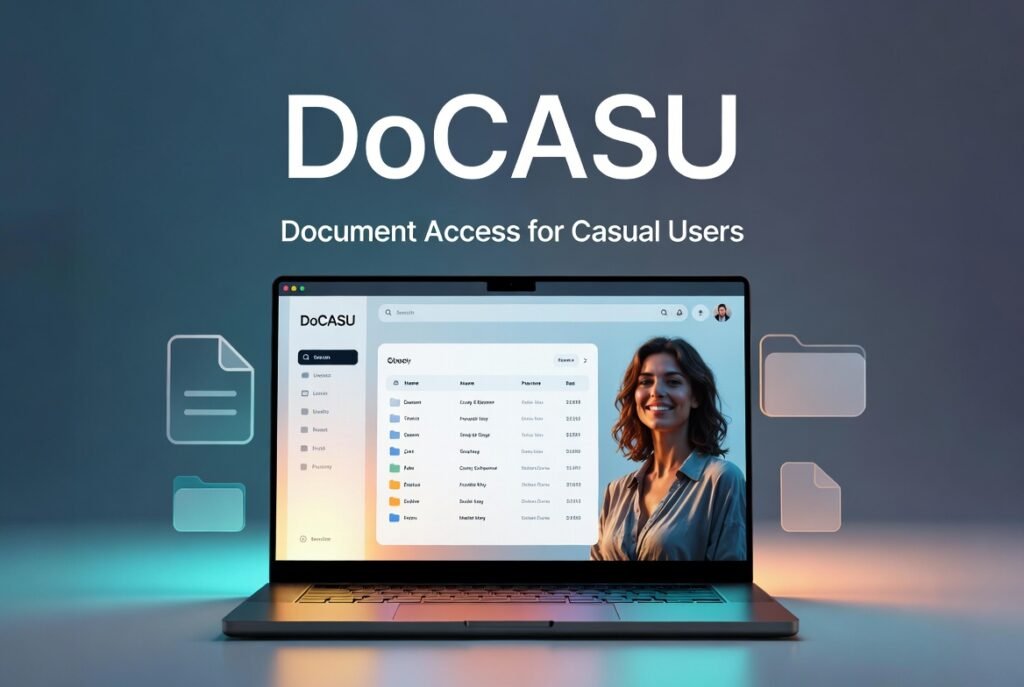
DoCASU means Document Access for Casual Users. In plain words, it is a helpful tool that makes it easy for regular people in any office or team to find, open, upload, and share files without getting lost in complicated software.
If you have ever felt frustrated while searching for an important document in a company system, you already understand why DoCASU was created. It works as a friendly layer on top of powerful document storage systems like Alfresco ECM. Instead of facing dozens of confusing buttons and menus, everyday employees see only what they truly need. This makes daily work smoother, faster, and less stressful.
In this detailed guide, you will discover everything about DoCASU in simple language. We will walk through its story, how it helps real people, its main features, and even a clear step-by-step guide to get started. By the end, you will feel confident about why DoCASU remains a smart choice for better document management.
The Everyday Problem DoCASU Solves
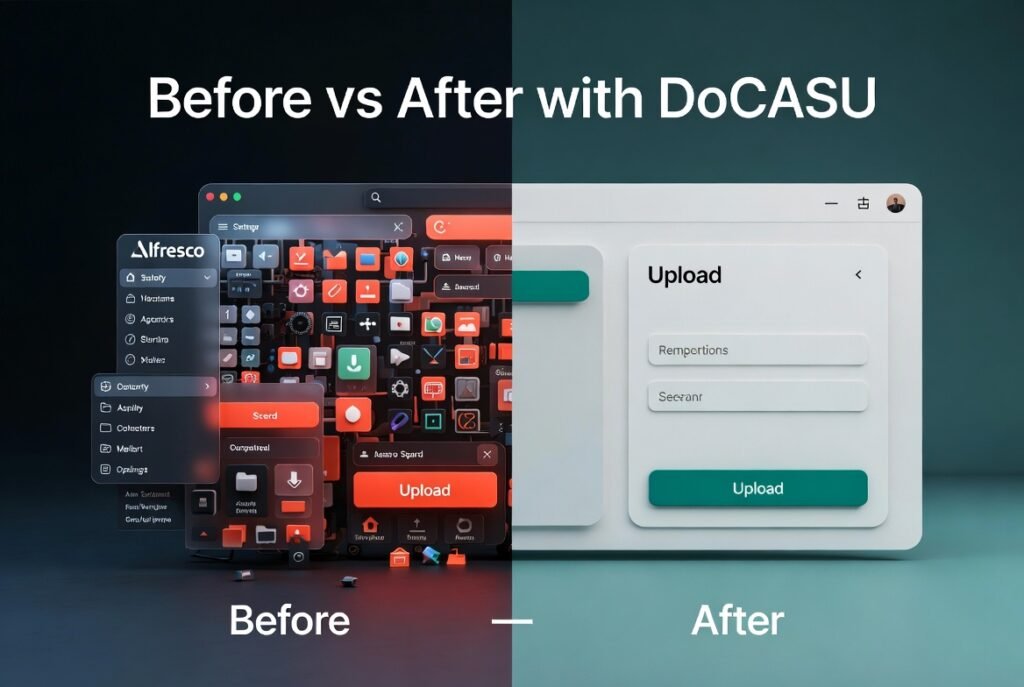
Picture this: Sarah works as a nurse in a busy hospital. Every day she needs to upload patient forms, find old records, and share notes with doctors. The hospital uses a strong document management system, but the screen she sees is packed with options she never uses. It takes her many clicks and several minutes just to upload one file. She often feels annoyed and wastes time.
This story happens in offices, schools, government departments, and companies worldwide. Powerful enterprise content management tools like Alfresco store everything safely, but their standard screens overwhelm regular staff. People avoid the system, save files on personal drives, or email documents back and forth. Important information gets lost, mistakes happen, and productivity drops.
DoCASU was built exactly for people like Sarah. It creates a clean and simple front that hides the complicated parts while keeping all the safety and power of the main system underneath. As a result, casual users feel confident and finish tasks quickly.
A Short Story of How DoCASU Began
Around 2008, a company called Optaros noticed the same problem in many organizations using Alfresco ECM. Employees were not using the system properly because it felt too hard. Jeff Potts and his team decided to fix this by creating a new, simplified interface.
They released DoCASU as open-source software so anyone could use it for free. Between 2008 and 2010, it became popular among teams that wanted better document access without expensive custom work. Even today, its core idea of putting real users first feels fresh and helpful.
One hospital in 2009 tried the new interface. Nurses went from eight clicks per upload to just two. They spent less time on computers and more time caring for patients. Stories like this show the real power of smart, simple design.
How DoCASU Works – A Clear Step-by-Step Guide
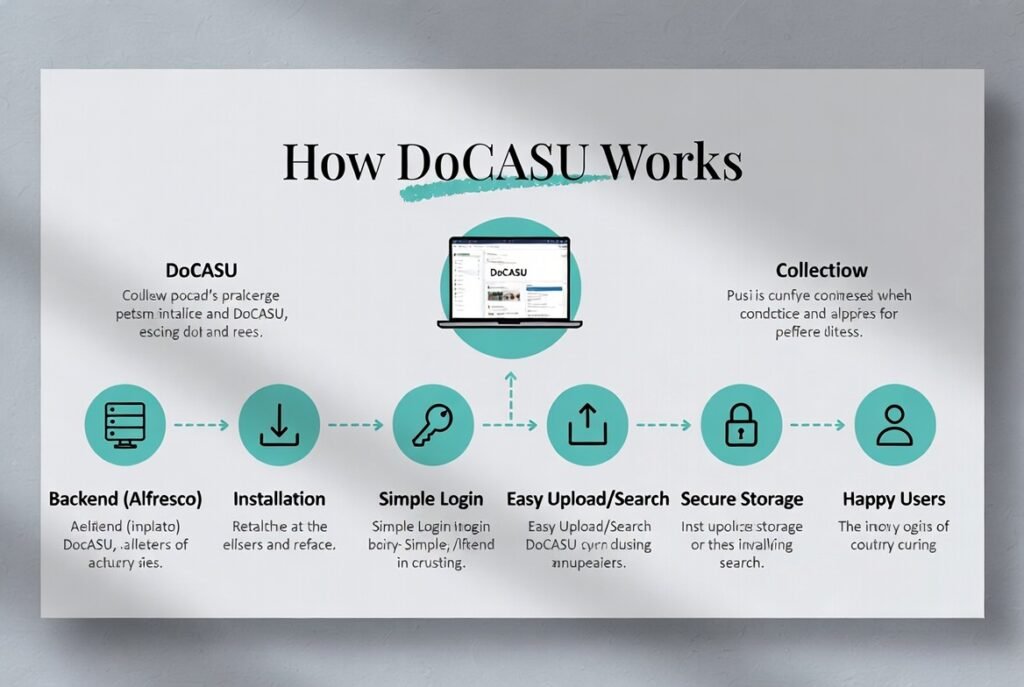
Understanding DoCASU is easier when you see the simple flow. Here is exactly how it works in most organizations:
- The strong backend stays the same. Your team sets up Alfresco as the main storage place. All files, security rules, and version history live safely here.
- Install the friendly front layer. DoCASU connects to Alfresco using clean connections called REST APIs. Think of it as a clear window into a big filing room.
- Users log in through the simple screen. Regular employees open their browser and see a clean dashboard with big, obvious buttons.
- Perform everyday tasks easily. Search for files, upload new documents, or open folders. The system quietly passes the request to Alfresco in the background.
- Everything stays secure and organized. Version control, permissions, and safety rules work automatically behind the scenes.
- Admins use the full tools. IT teams and power users still have access to the complete Alfresco interface when they need advanced options.
This separation makes DoCASU stable and easy to manage. You get the best of both worlds: simplicity for most people and full control for experts.
Main Features That Make DoCASU Special
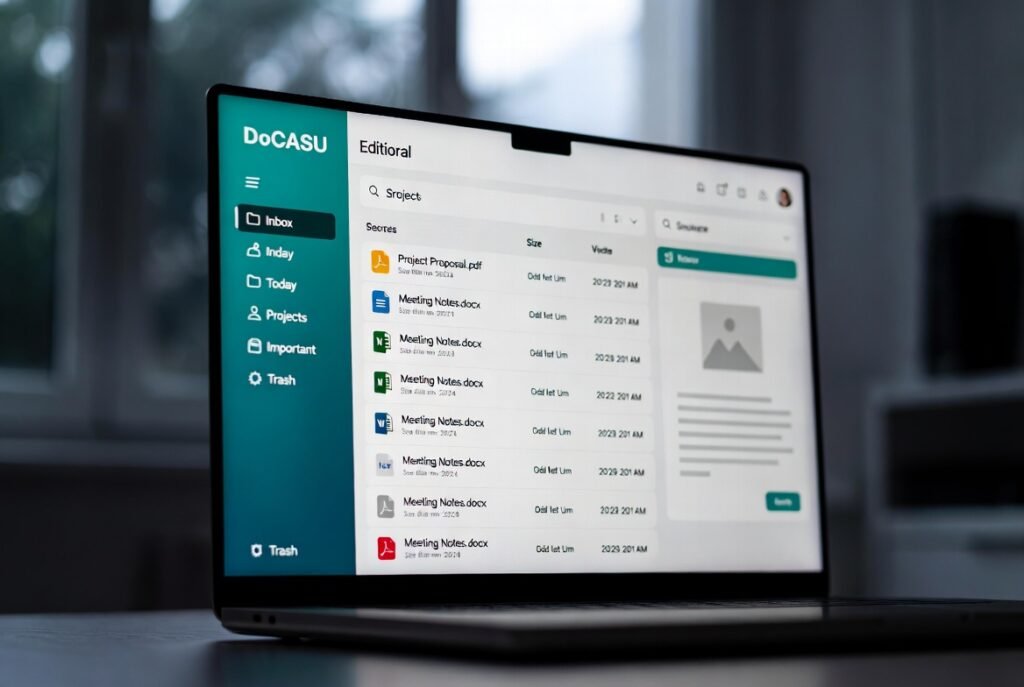
DoCASU focuses on what matters most for casual users. Here are the key features explained simply:
- Clean and Simple Interface: No clutter. You see folders on the left, a clear list of files in the middle, and helpful information on the right. Your brain stays relaxed instead of overwhelmed.
- Easy Document Upload and Download: Drag files or click once to add them. Downloading takes one click too. No confusing steps.
- Fast Built-in Search: Type a word or name and find documents quickly. It uses the strong search power inside Alfresco but shows results in a friendly way.
- Version History and Check-In/Check-Out: Click one button to see old versions of a file. Lock a document while editing so no one makes changes at the same time.
- Role-Based Access Control: People only see files they are allowed to see. Security stays strong without extra effort.
- Right-Click Actions: Just like on your computer, right-click a file to copy links, download, or move items.
- Metadata View: Click an information icon to see when a file was created, who made it, and other useful details.
- Open-Source Flexibility: Since it uses a GPLv3 license, developers can change it to fit your exact needs.
These features work together to create a smooth simplified user interface that feels natural for anyone.
Real Stories from Different Industries
In corporate offices, teams use DoCASU to handle reports, policies, and HR documents. One marketing manager shared how his team stopped losing files after switching. “Now everyone finds what they need in seconds,” he said.
Healthcare systems love it for patient forms. Nurses and reception staff access records quickly while following strict privacy rules. Less time on screens means more time with patients – a big win for everyone.
Schools and universities share syllabi, student records, and research materials. Teachers who are not tech experts feel comfortable using the system. Students can access course files without confusion.
Government offices manage permits, citizen records, and internal files. Staff spend less time searching and more time helping people. One records manager told me the simple interface cut training time from two full days to just a few hours.
These examples prove DoCASU works across many types of organizations.
Technical Side Explained Without Jargon
You do not need to be a developer to appreciate DoCASU. It uses a three-tier setup: the part you see (front), a middle connection layer, and the strong Alfresco storage at the back. The visible part is built with a JavaScript tool called Ext JS, which makes everything feel smooth and quick in any browser.
Because the parts are separate, updates are easier and the whole system stays stable even when your company grows. This smart design is one reason DoCASU still earns respect today.
Why You Can Choose DoCASU With Full Confidence

When you pick DoCASU, you get a proven solution that puts real people first. It improves document management adoption because employees actually enjoy using it. Higher usage means better organization, fewer mistakes, and saved time across the whole team.
Since it is open-source, there are no huge license fees. You only invest in setup and any custom changes you want. Many companies combine it with professional support to make implementation smooth.
Compared to other options, DoCASU shines when your main goal is helping casual users succeed. It works beautifully alongside full Alfresco tools, so power users keep everything they need while regular staff get simplicity.
Modern tools have added features since 2010, yet the core lesson from DoCASU stays powerful: hide complexity and show only what matters. That approach still drives successful software today.
Step-by-Step Guide to Getting Started With DoCASU
Ready to try it? Here is a practical guide:
- Check your current setup. Make sure you have Alfresco ECM running. Test that basic document storage works.
- Download the software. Visit the official open-source page on SourceForge for the latest available version: DoCASU on SourceForge.
- Install the front layer. Follow the simple setup instructions to connect DoCASU to your Alfresco server.
- Configure user roles. Set permissions so casual users see only the simple interface while admins keep full access.
- Train your team lightly. Show people the clean dashboard. Most users learn it in under thirty minutes.
- Test and launch. Start with one department, gather feedback, and roll out to everyone.
- Customize if needed. Add your company logo, special buttons, or extra connections with help from a developer.
This process usually takes days or weeks instead of months, giving you fast results.
Read About: MataRecycler: The Smart Way to Turn Waste into Worth – A Complete Guide
Benefits You Will Notice Quickly
Teams using DoCASU report higher productivity, fewer support calls to IT, and better document security because people actually use the system correctly. Employees feel respected when software is made for them, not against them. This leads to happier teams and smoother daily operations.
Honest Look at Limitations
Like any tool, DoCASU has limits. It is a legacy project, so active new development has slowed. Advanced workflow features may need the full Alfresco interface. However, for most everyday document tasks, these points rarely cause problems. Many organizations still run it successfully on older or stable systems.
Frequently Asked Questions
What does DoCASU stand for?
DoCASU stands for Document Access for Casual Users. It creates a simple interface for regular employees.
Who created DoCASU?
Optaros developed it around 2008 and released it as free open-source software.
Is DoCASU free?
Yes. It uses a GPLv3 license, so you can download and use it without paying license fees.
Does DoCASU replace Alfresco?
No. It works on top of Alfresco to make it easier while keeping all the powerful backend features.
Can I customize DoCASU?
Absolutely. Being open-source lets developers modify it to match your exact business needs.
Conclusion
DoCASU offers a proven, user-friendly way to bring simplicity to document management. It respects the needs of casual users while keeping strong security and organization in the background. Whether you manage a hospital, school, government office, or growing company, this approach helps everyone work better with less frustration.
You can confidently choose DoCASU, knowing it was built with real people in mind. Download it today, follow the simple steps, and watch how quickly your team starts using your document system happily and effectively. Better document access is possible – and DoCASU makes it happen.

Ali Hamza Lali is the Founder and Chief Administrator of TechDoAction. A digital strategist with a background in web infrastructure and emerging technology, he built the site’s Lifestyle Tech and Tutorials section, helping readers navigate everyday tech through practical guides. He now also leads Smart Home Gadgets hands-on testing the devices that make modern living safer and smarter. When he isn’t managing site operations, Ali shares expert commentary on digital trends and home automation.
