Imagine standing in front of a wall of options with no idea which machine is actually worth your money. A 3D printer is a device that builds physical objects layer by layer from digital files, turning what you see on a screen into something you can hold in your hand. This article walks you through the best 3D printer options available right now and helps you figure out exactly which one fits your needs, your space, and your ambitions. Whether you are searching for the best 3D printer for beginners or wondering how much is a 3D printer for home use, we have you covered.
Quick Picks Table
| Product Name | Best For | Budget Tier |
|---|---|---|
| Bambu Lab A1 Combo | Best Overall for Beginners | Mid-Range |
| Creality Ender 3 V3 SE | Best Budget Pick | Budget-Friendly |
| Bambu Lab A1 Mini | Best Compact Option | Budget-Friendly |
Top 3D Printers Reviewed and Ranked
We selected these printers by focusing on four criteria that actually matter to real buyers: how easy the machine is to set up and use right out of the box, the quality of prints it produces consistently, the reliability reported by thousands of owners, and the availability of customer support when something goes wrong. The list covers budget-friendly starters, mid-range workhorses, and premium upgrades so every type of buyer finds a match. If you have been comparing options at 3D Printer Best Buy or browsing 3D Printer Amazon listings, this guide simplifies the decision.
1. Bambu Lab A1 Combo — Best Overall for Beginners
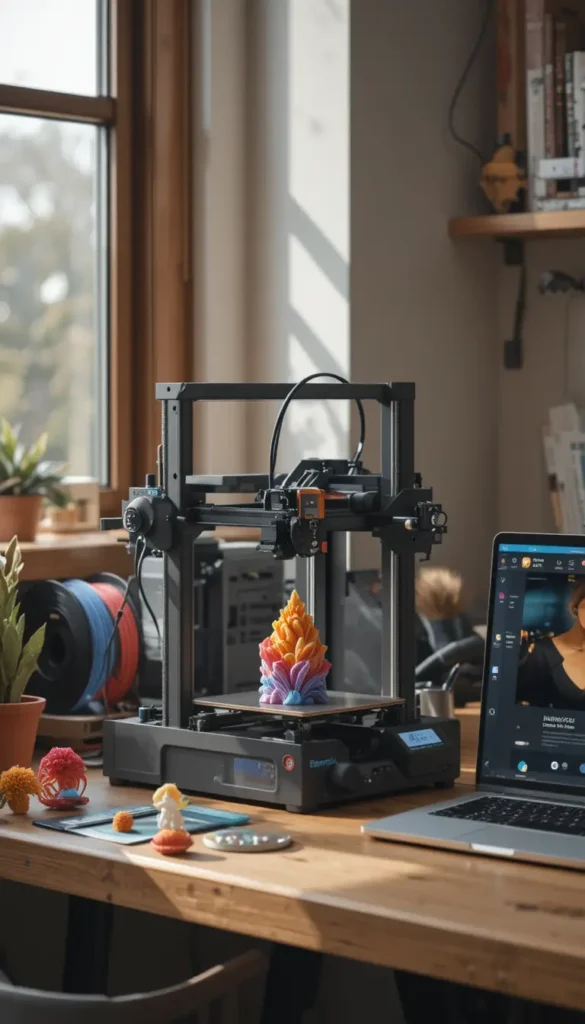
This is the machine that has redefined what a beginner-friendly 3D printer can be. Sitting in the mid-range tier, it delivers features that were once reserved for machines costing significantly more, making it the strongest all-around choice for first-time buyers who want results without the frustration.
Why Buyers Keep Choosing This
- The full-auto calibration system handles bed leveling, nozzle height, and flow rate compensation entirely on its own, which means your first print can be running within minutes of unboxing rather than hours of tweaking.
- The AMS Lite system enables four-color printing without manual filament changes, opening up creative possibilities that most beginner machines simply cannot offer.
- The 256mm cubic build volume provides enough space for functional parts, cosplay props, and household items while remaining compact enough for a desk or workbench.
- The Bambu Handy app lets you monitor prints, start new jobs, and receive completion alerts from anywhere, which removes the anxiety of leaving a long print running unattended.
The One Thing to Know Before You Buy
Multi-color printing produces filament waste — the printer purges material between color changes, and that waste accumulates over time. If you plan to print mostly single-color objects, this is a non-issue, but if multi-color is your primary goal, factor in the extra 3D printer filament consumption and the cost of replacement spools. The purge tower and poop chute waste can add up to a significant portion of your filament budget over months of frequent use.
This Is Your Best Match If
Choose this one if you want a machine that genuinely works out of the box, you are excited about multi-color printing, and you are willing to invest in a mid-range 3D printer that will grow with your skills rather than need replacing after a few months.
With that in mind, if your budget is tighter or you are not sure how much you will actually use a 3D printer, the next option offers a lower barrier to entry.
2. Creality Ender 3 V3 SE — Best Budget Pick
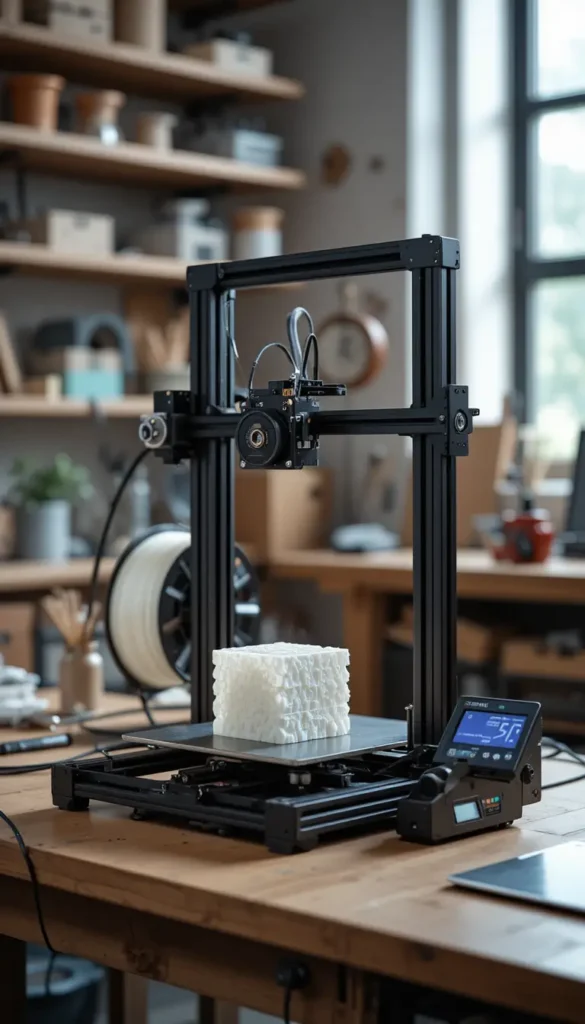
The Ender 3 name is legendary in the 3D printing community, but previous versions required a fair amount of tinkering. The V3 SE is the first iteration that is truly beginner-friendly. This budget-friendly option strips away complexity while keeping the core features that matter.
Where It Genuinely Delivers
- The CR Touch auto-leveling system and strain sensor for automatic Z-offset mean you no longer have to wrestle with manual bed leveling, which was the single biggest frustration on older Ender models.
- Assembly takes about twenty minutes rather than the hours required by earlier versions, so you can go from box to first print in a single sitting.
- The 220 x 220 x 250mm build volume is large enough for most hobbyist projects while keeping the machine footprint manageable.
- The Creality OS firmware improves print quality and reduces common defects like stringing and layer shifts compared to earlier Ender firmware.
The Honest Part Nobody Mentions
This is still a budget machine, and some units require dialing in before they produce consistently great prints. While the V3 SE is dramatically more user-friendly than its predecessors, it does not offer the same plug-and-play experience as Bambu Lab machines. You will likely spend a few weekends fine-tuning settings and learning how the slicer software interacts with the printer.
The Right Buyer for This
Choose this one if you are budget-conscious, enjoy the idea of learning how a 3D printer works through hands-on experience, and do not mind occasional troubleshooting as part of the journey. It is one of the best 3D printer for beginners choices if you want to learn the fundamentals without a big upfront commitment.
By comparison, if you want the plug-and-play experience but need to save desk space, the next option delivers a smaller footprint without sacrificing ease of use.
3. Bambu Lab A1 Mini — Best Compact Option
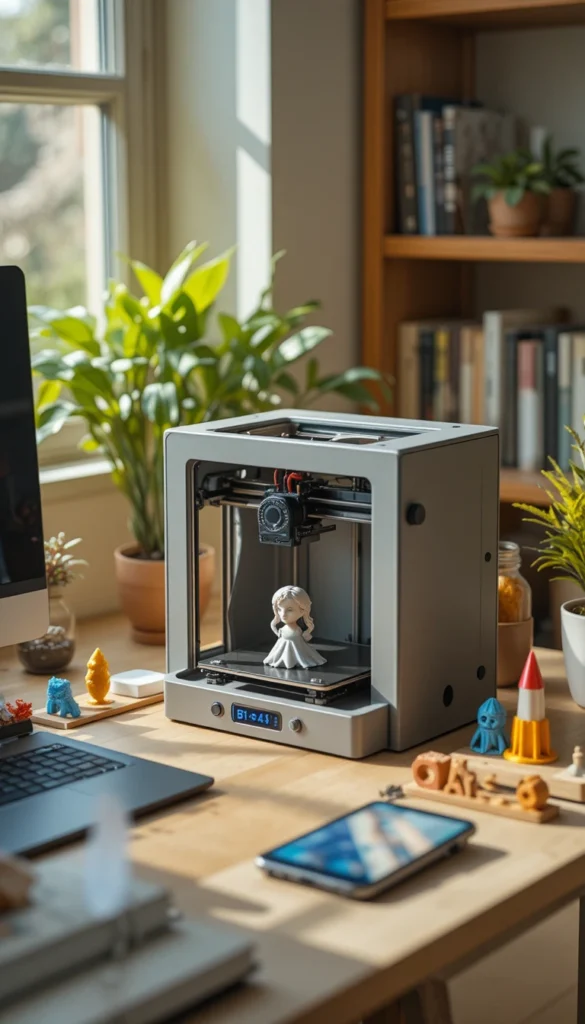
The A1 Mini proves that good things come in small packages. This budget-friendly machine fits comfortably on a crowded desk while delivering print quality that rivals much more expensive models.
What Stands Out Immediately
- The 180 x 180 x 180mm build volume is genuinely compact, yet it handles miniatures, phone stands, cosplay accessories, and small functional parts with clean, reliable results.
- Setup is exceptionally straightforward — you plug in power, load filament through the push-fit design, connect via the mobile app, and your first print can start in under twenty minutes.
- The optional AMS Lite accessory adds four-color capability, transforming this small machine into a surprisingly versatile creative tool.
- Print quality is strikingly comparable to the much more expensive Bambu Lab X1 Carbon for standard prints, which is remarkable given the price difference.
What Some Buyers Wish They Knew
The small build volume is a real limitation. You cannot print helmets, large vases, or sizable functional parts on this machine. If your projects regularly exceed the size of a human hand, you will outgrow this 3D printer A1 Mini quickly and need to look at larger options. The 180mm bed means you are confined to small-scale work permanently.
Who Gets the Most from This
Choose this one if you have limited desk space, you primarily print small objects like miniatures or jewelry, and you want the Bambu Lab ease-of-use experience at a budget-friendly entry point.
However, if you need to print engineering-grade materials like ABS or nylon, the next option provides an enclosed chamber that makes those materials practical.
4. Qidi Q1 Pro — Best for Engineering Materials
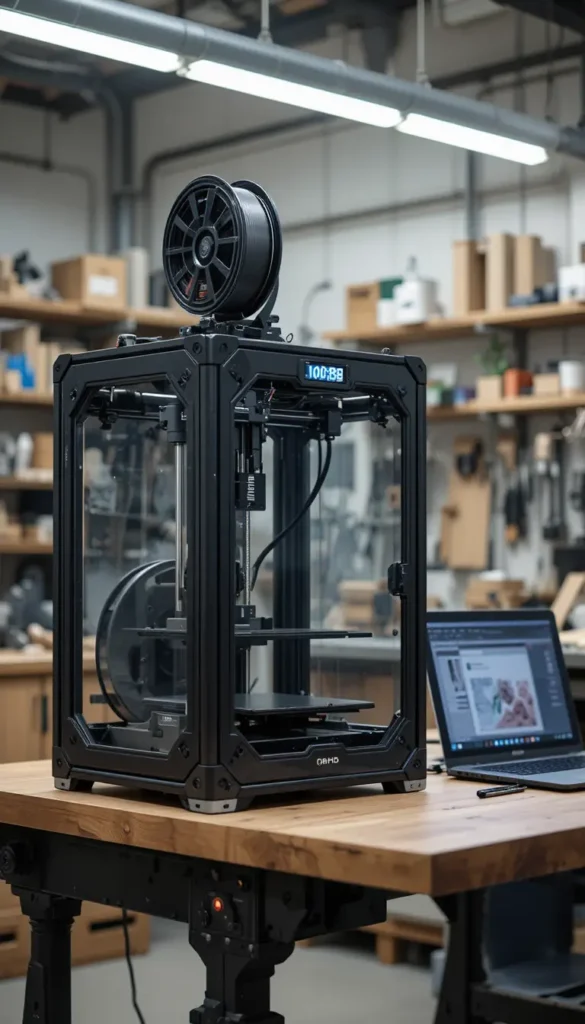
The Qidi Q1 Pro is an enclosed CoreXY printer that does something almost no competitor at this tier does: it actively heats the printing chamber. This mid-range machine is built for users who need to print materials that require consistent warmth to prevent warping.
What It Does Better Than the Rest
- The actively heated chamber reaches 60°C, which makes printing ABS, ASA, nylon, and polycarbonate practical and reliable rather than a battle against warping and layer separation.
- The nozzle reaches 350°C, enabling high-temperature engineering filaments that cheaper machines cannot handle at all.
- The CoreXY motion system delivers fast, precise prints with minimal ghosting or ringing, even at higher speeds.
- The open Klipper firmware gives advanced users deeper control over print parameters than most enclosed machines at this tier.
Where It Falls Short
The user interface and software ecosystem are not as polished as Bambu Lab’s offering. First-time users may find the technical language and setup process more intimidating than the truly plug-and-play alternatives. You will need to be comfortable editing configuration files to get the most out of the Klipper firmware.
Buy This One If You
Choose this one if you need to print functional parts in engineering materials, you are comfortable with a slightly steeper learning curve, and you want an enclosed 3D printer without stepping up to a premium price tier.
That said, if you prioritize sheer print volume over material versatility, the next option delivers a much larger build area at a similar tier.
5. Elegoo Neptune 4 Plus — Best for Large Prints
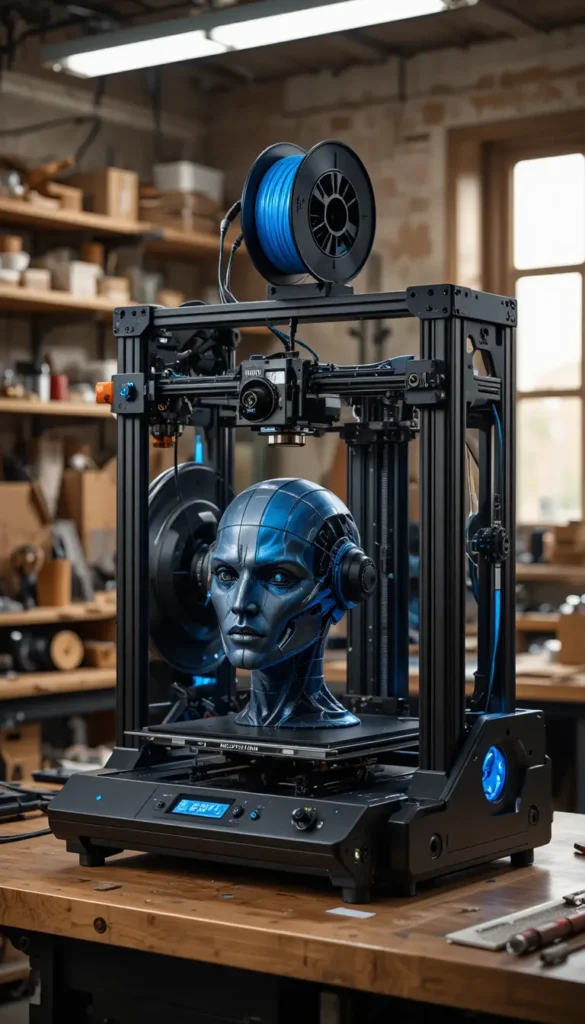
The Neptune 4 Plus is built for one thing above all else: printing big. This mid-range machine delivers a massive build volume that accommodates projects most printers simply cannot fit.
The Reasons It Made Our List
- The large build volume handles objects that would be impossible on compact machines, from full-size helmet replicas to large-scale functional prototypes.
- Klipper firmware with input shaping and 121-point auto leveling delivers reliable high-speed printing that maintains quality even at larger scales.
- The direct-drive extruder and 300°C hot end support flexible and advanced materials, giving you options beyond basic PLA.
- Print quality is good to very good across multiple filament types, with nearly problem-free operation once dialed in.
Before You Add to Cart
This printer takes up a significant amount of space. Measure your available area carefully before committing. The machine also requires more patience than plug-and-play alternatives — you will need to learn Klipper basics to get the most out of it. The large bed also takes longer to heat up, so you will wait a bit longer between prints compared to smaller machines.
This Is the Right Pick If You
Choose this one if large-scale projects are your priority, you have the space to accommodate a bigger machine, and you are willing to invest time in learning the Klipper ecosystem. This is a great option if you have ambitious 3D printer projects in mind that simply will not fit on smaller beds.
Worth noting, if you are shopping for a child or teenager, the next option is specifically designed for younger users.
6. Toybox Alpha Three — Best for Kids and Families
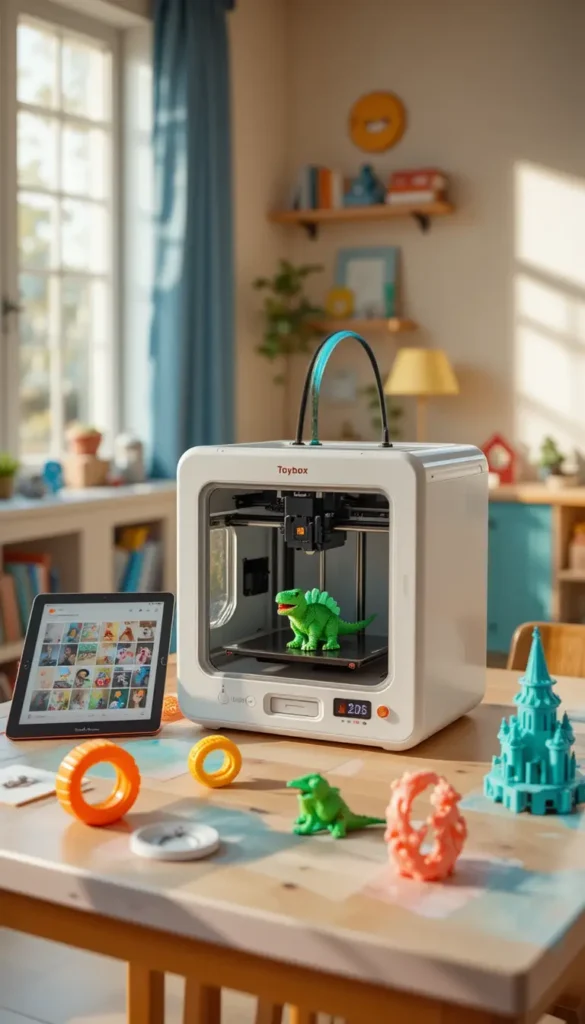
The Toybox Alpha Three is a budget-friendly 3D printer built from the ground up for younger users and family settings. It prioritizes safety, simplicity, and immediate gratification over industrial capability.
What Stands Out Immediately
- The curated app-based library of printable toys means kids can browse, select, and start a print without needing to find or design their own 3D models.
- Safety features and simplified controls reduce the risks and frustrations that come with more open-ended machines.
- The closed ecosystem removes the complexity of slicing software — you do not need to learn Cura, PrusaSlicer, or any other standalone program.
The Honest Part Nobody Mentions
The closed ecosystem that makes it so easy for kids also makes it limiting. You cannot easily print custom designs or use third-party models without workarounds. This is a toy printer, not a creative tool for serious makers. Once your child outgrows the app library, the machine becomes significantly less useful.
Who Gets the Most from This
Choose this one if you are buying for a child under twelve, you want a family-friendly introduction to 3D printing, and you prioritize safety and simplicity over flexibility and capability.
On the other hand, if you are ready to invest in a machine that can handle professional-grade work, the final option is worth the premium.
7. Bambu Lab P2S — Best Premium Upgrade
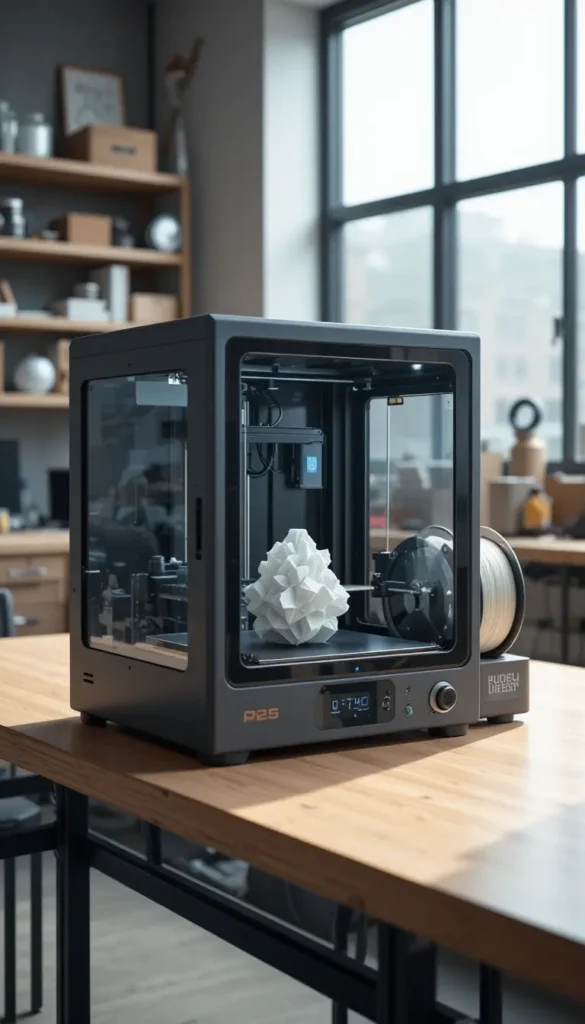
The P2S represents the sweet spot in Bambu Lab’s premium lineup — it delivers professional-grade speed and quality at a tier that serious hobbyists can actually justify. This is a premium investment for users who have outgrown entry-level machines.
Why This One Gets Recommended
- Print quality, speed, and accuracy are above reasonable expectations for a desktop machine, producing results that rival much more expensive industrial printers.
- Adaptive Airflow technology lets you print any material with the door closed without compromising print quality, eliminating the temperature-management headaches that plague open-frame printers.
- The P2S upgrades every component that users disliked on the previous-generation P1S, making it the most refined version of Bambu Lab’s core design.
- The fully enclosed chamber enables reliable printing of ABS, ASA, nylon, and other engineering materials that require consistent thermal conditions.
The Real Trade-Off
The waste from multi-color printing remains significant. If you plan to do a lot of color changes, you will go through 3D printer filament faster than you expect, and you will need to manage the purge waste. The machine also produces more noise than the A1 series because of the CoreXY motion system operating at higher speeds.
This Is Your Best Match If
Choose this one if you have been printing for a while, you need professional-grade quality and material versatility, and you are ready to make a premium investment in a machine that will serve you for years.
What Separates a Good 3D Printer from a Bad One
Auto Bed Leveling
This is the single most important feature for a beginner. Manual bed leveling requires adjusting screws until the print surface is perfectly parallel to the nozzle — a process that can take thirty minutes and still produce failed prints. Auto leveling uses a sensor to measure the bed at multiple points and compensates automatically. Without it, you will spend more time troubleshooting than printing.
Build Volume
Build volume determines the maximum size of objects you can print. A 180mm cube handles miniatures and small accessories. A 256mm cube handles helmet-sized objects and functional parts. Buy the size you will actually use — too small and you will outgrow it quickly, too large and you waste desk space and money on capacity you never need. This is especially important if you have specific 3D printer projects in mind that require particular dimensions.
Enclosure vs. Open Frame
An enclosed 3D printer maintains consistent temperature around the print, which prevents warping when printing materials like ABS, ASA, and nylon. Open-frame printers are cheaper and easier to access but struggle with materials that shrink as they cool. If you plan to print only PLA, an open frame is fine. If you want material versatility, an enclosure matters. A heated bed also plays a crucial role here — it keeps the first layer stuck to the print bed, reducing the chance of your print peeling up during the job.
Print Speed vs. Print Quality
Faster is not always better. High-speed printing can introduce vibrations that show up as ghosting or ringing on the surface of your prints. The best printers balance speed with motion systems that maintain accuracy at higher velocities. Look for features like input shaping and vibration compensation if speed matters to you. The layer height you choose also affects this trade-off — thinner layers produce finer detail but take longer to print, while thicker layers finish faster but show more visible layer lines.
Budget Tier Thinking
The cheapest machine is rarely the most economical choice. A budget-friendly 3D printer that requires constant troubleshooting will waste more filament and time than a mid-range machine that works reliably from day one. Consider the total cost of ownership — 3D printer filament waste, failed prints, replacement parts, and your own time — not just the purchase price.
Software Ecosystem and Slicers
The software you use to prepare models matters enormously. Good slicers like Bambu Studio or PrusaSlicer offer optimized profiles that take the guesswork out of settings. Bad software makes even a capable machine frustrating. Look for printers with active community support and regular firmware updates, because a machine that improves over time is worth more than one that stays static.
Connectivity Options
How you get files to your printer affects your daily experience. Wi-Fi and mobile app support let you start prints from anywhere, while USB drives require physically walking over to the machine. Network connectivity also enables remote monitoring and notifications, which removes the anxiety of leaving a long print running while you step away.
Features That Actually Matter (And Ones That Don’t)
Manufacturers love to advertise maximum print speeds in millimeters per second. In reality, you will rarely print at those top speeds because quality suffers. A printer that claims 600mm/s but produces mediocre results at that speed is less useful than a printer that delivers excellent results at 150mm/s. Print quality at usable speeds matters far more than theoretical maximums. The hotend design affects this significantly — an all-metal hotend handles higher temperatures without clogging, while a PTFE-lined one limits your material choices.
Conversely, automatic flow rate compensation sounds like a minor software tweak, but it genuinely changes the experience. This feature adjusts filament extrusion in real time based on pressure changes, eliminating the under-extrusion and over-extrusion that cause visible layer lines and weak parts. It is the difference between prints that look homemade and prints that look store-bought. The extruder type also matters — direct-drive extruders handle flexible filaments better, while Bowden setups are lighter and faster for rigid materials.
Read About: Best Electric Toothbrush: 6 Top-Rated Models That Dentists Actually Recommend
Mistakes Most Buyers Make When Choosing a 3D Printer
Buying based on the number of features rather than which features solve your actual problem is the most common mistake. A printer with ten features you will never use is a worse investment than a printer with three features you use every day. Start with what you want to make, then find the machine that makes that specific thing well. Many people get caught up in comparisons at 3D Printer Best Buy and lose sight of their actual needs.
Choosing the wrong build volume for your typical projects is another frequent error. Many beginners buy a small printer to save money, then immediately want to print objects that do not fit. Measure the largest object you realistically want to make and buy a printer that accommodates it with room to spare. This is why understanding how much is a 3D printer for home use in relation to size matters — a bigger machine costs more, but buying twice costs even more.
Ignoring the importance of software and ecosystem is a mistake that reveals itself slowly. A 3D printer is only as good as the software that drives it. Printer hardware matters, but the slicer, mobile app, and firmware updates determine your daily experience. A machine with excellent hardware and terrible software will frustrate you every single time you use it. Look for printers with active online communities and frequent updates — that support network is worth more than any single hardware specification.
Frequently Asked Questions
What is the best 3D printer for a beginner in 2026?
The Bambu Lab A1 Combo is currently the best choice for most beginners because it combines full-auto calibration, excellent print quality, and multi-color capability in a machine that works out of the box. The Creality Ender 3 V3 SE is the strongest budget-friendly alternative if you are willing to do some hands-on learning. Both rank highly in searches for the best 3D printer for beginners.
How much is a 3D printer for home use typically?
The cost of a home 3D printer falls into three general tiers. Budget-friendly options suit casual hobbyists and learners. Mid-range machines offer reliable performance and useful features like auto leveling and multi-color capability. Premium machines deliver professional-grade quality, enclosed chambers, and engineering material support. Match your budget tier to your intended use rather than starting with a price, and remember that filament costs add to the ongoing expense.
What filament should I use with my first 3D printer?
PLA is the best filament for beginners because it prints at low temperatures, produces minimal odor, and has low shrinkage that reduces warping. It is forgiving of imperfect settings and works well on almost any machine. PETG is a good second step when you need more durability, and TPU is the choice for flexible parts. 3D printer filament selection really depends on what you plan to make.
Is a 3D printer worth buying for someone who has never used one?
Yes, if you have specific projects in mind. The 2026 generation of 3D printer models has eliminated most of the frustration that plagued earlier machines. You can unbox a modern printer on a Saturday morning and have a finished print by lunch. The value comes from actually using it — if you have a list of things you want to make, a 3D printer pays for itself quickly through custom solutions and creative projects.
What is the difference between FDM and resin 3D printers?
FDM printers melt plastic filament and lay it down layer by layer. They are the most common type for home use, handle larger objects, and use cheaper materials. Resin printers use liquid resin cured by UV light to create objects with much finer detail but smaller build volumes and messier post-processing. For most beginners, an FDM printer is the right starting point, especially if you are browsing 3D Printer Amazon listings and want a straightforward entry.
Which One Should You Buy?
The Bambu Lab A1 Combo is the best overall pick for most buyers because it eliminates the frustration that traditionally came with learning 3D printing. The full-auto calibration, excellent print quality, and multi-color capability make it a machine you will actually use rather than one you will fight with.
For budget-conscious buyers, the Creality Ender 3 V3 SE delivers remarkable value — you gain a capable machine and learn the fundamentals along the way, though you trade some plug-and-play convenience for the lower entry point. If desk space is tight, the A1 Mini keeps the Bambu experience in a smaller package, and if you are buying for a child, the Toybox Alpha Three is the safe, simple choice.
Whichever you choose, the 2026 generation of 3D printer models has made this hobby more accessible than ever. Click through to Amazon, read the recent reviews from other buyers, and pick the machine that fits your projects and your space — you are about to turn digital designs into physical objects, and that moment never gets old.

Ali Hamza Lali is the Founder and Chief Administrator of TechDoAction. A digital strategist with a background in web infrastructure and emerging technology, he built the site’s Lifestyle Tech and Tutorials section, helping readers navigate everyday tech through practical guides. He now also leads Smart Home Gadgets hands-on testing the devices that make modern living safer and smarter. When he isn’t managing site operations, Ali shares expert commentary on digital trends and home automation.