
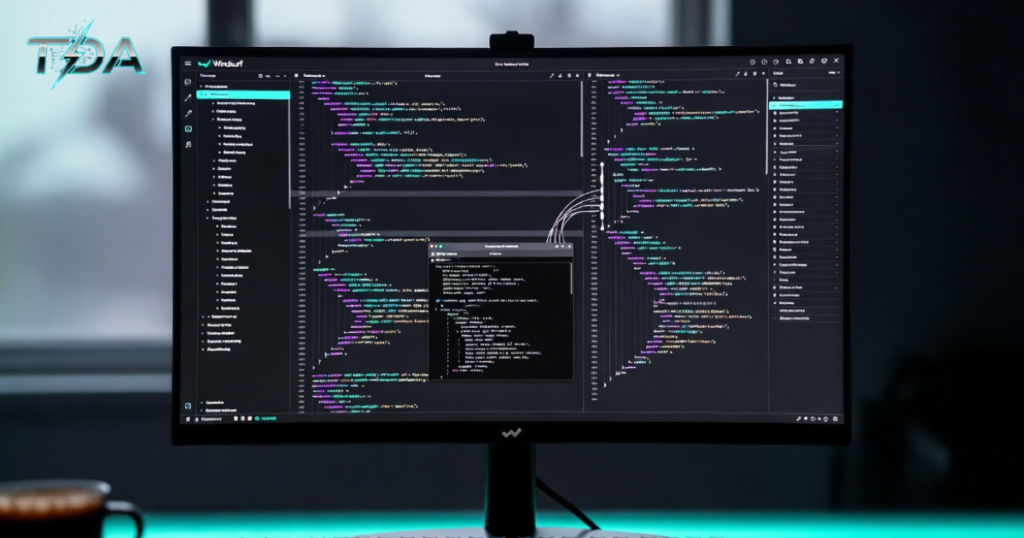
Windsurf is an AI-native code editor from Codeium. It puts smart AI right at the heart of your coding work. Unlike regular editors that add AI as an extra tool, Windsurf builds everything around the AI, so it works like a true partner. You get fast help with code, smart suggestions, and even full tasks done for you. In simple terms, Windsurf turns your everyday coding into a smooth, team-like experience where the AI understands your whole project and helps you move faster.
If you have ever felt stuck writing the same boilerplate code or fixing bugs across many files, Windsurf changes that. It uses advanced AI to read your entire codebase, make changes on its own, and keep everything flowing. Developers love it because it saves hours every week. But do not just take my word for it. Let me walk you through everything in a clear, step-by-step way so you can see why so many people now rely on Windsurf every day.
Why Developers Are Switching to Windsurf
First, think about your typical day as a coder. You open your editor, write some code, run tests, fix errors, and switch between files. It adds up fast. Now imagine an AI that handles the boring parts while you focus on the fun, creative stuff. That is exactly what Windsurf delivers.
Windsurf stands out because it is built from the ground up as an AI code editor. It runs on a familiar VS Code foundation, so the look and feel stay comfortable. Yet the inside is completely different. The AI here is not just a helper that pops up suggestions. It acts like a full teammate. You can ask it to add a new feature, fix a bug in several files at once, or even run commands in your terminal. And it does all that without you babysitting every step.
I remember one developer friend who told me his story. He was working late on a big project with a messy database and frontend that did not talk to each other well. Normally, he would spend two full days sorting it out. With Windsurf, he simply typed a short note into the chat: “Connect the user login to the new payment system and update the dashboard.” The AI read every relevant file, made the changes, ran tests, and showed him a clean diff before he accepted anything. He finished in under an hour and went home early. Stories like this happen every day with it because the tool is designed for real-world flow.
Transitioning to Windsurf feels natural, too. If you already use VS Code, most of your shortcuts and extensions still work. That means no big learning curve. You get all the power of an agentic coding system without losing the comfort of tools you already know.
How Windsurf Actually Works: A Simple Step-by-Step Guide
Step 1: Download and Install
Head to the official site and grab the installer for your computer. It works on Windows, Mac, or Linux. The setup takes less than two minutes. Once it opens, you will see the familiar sidebar, file explorer, and editor window.
Step 2: Import Your Settings
Windsurf asks if you want to bring over your VS Code themes, keybindings, and extensions. Say yes and everything transfers smoothly. Now your workspace looks exactly how you like it.
Step 3: Connect Your AI Models
Inside the settings you can pick from many strong AI brains. You get Claude, GPT-4, Gemini, and Codeium’s own fast models. Beginners usually start with the default. Pros switch models depending on the job—fast ones for simple tasks, smarter ones for tricky refactoring.
Step 4: Open Your Project and Start the Cascade
Open any folder or existing codebase. Click the Cascade icon in the sidebar. This opens the smart chat window. Type anything you need: “Add user authentication with email verification” or “Refactor this old function to use modern hooks.” Hit enter and watch the magic.
Step 5: Review and Accept Changes
Windsurf shows you every edit in a side-by-side diff view. You can accept all changes, reject some, or tweak them yourself. The AI even explains why it made each change so you stay in control.
Step 6: Keep the Flow Going
Use the “Continue My Work” feature if you step away. When you come back, just type “continue” and Windsurf picks up right where it left off. No need to repeat yourself.
This step-by-step process feels so natural that most people say they cannot go back to plain editors anymore. The whole experience stays simple, yet the results are powerful.
Powerful Features That Make Windsurf Shine
Cascade AI Agent
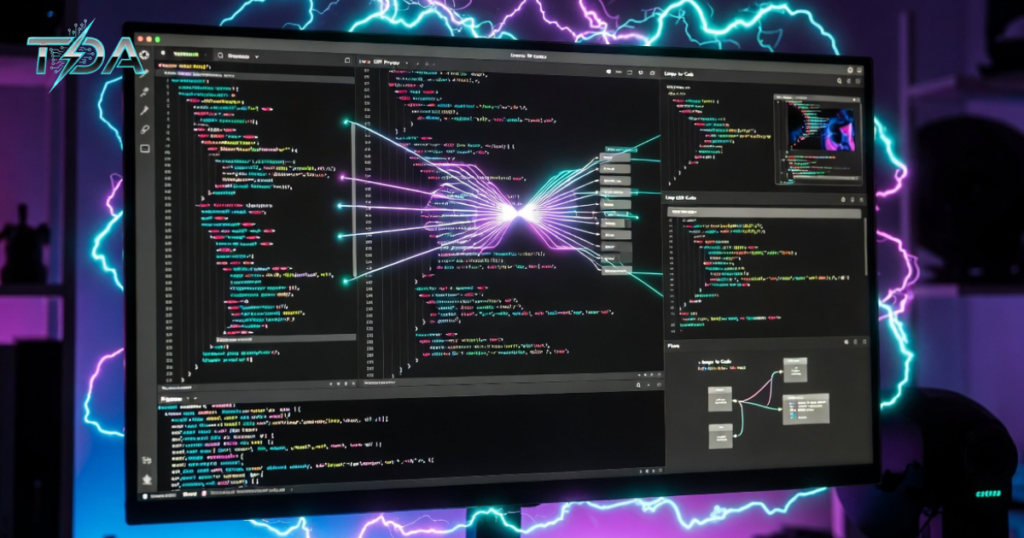
The star is Cascade, the agentic AI assistant. It does not just answer questions. Cascade reads your whole project, edits multiple files, runs terminal commands, and even fixes lint errors automatically. You can tell it to build an entire new module and it handles the details.
Flows
Another favorite is Flows. This clever system lets the AI switch between giving quick inline suggestions and taking bigger autonomous actions. You stay in the zone without switching modes manually. One moment you type and get smart completions. The next you give a big task and Cascade runs with it.
Codebase Memory
Windsurf also gives you codebase memory. The AI remembers important details about your project across days or weeks. That cuts down on context loss, which is a common pain with other tools.
Image to Code
You get image to code too. Drop a screenshot of a design into the chat and Cascade builds the matching UI layout in seconds. Perfect for turning Figma ideas into real React components fast.
Turbo Mode
Turbo Mode lets advanced users allow the AI to run terminal commands without asking every time. It speeds things up even more while still showing you everything that happens.
Multi-Model Support
Finally, multi-model support means you always pick the best AI for the job. Switch from a fast model for everyday typing to a deep-thinking one for complex architecture decisions. All without leaving the editor.
These features come together so well that it feels like a true AI coding assistant rather than just another plugin.
Also Read: Chatling: The Easy No-Code AI Chatbot Builder That Transforms How Businesses Talk to Customers
Real Stories: How Windsurf Changed Real Workflows

Let me share a couple of quick anecdotes that show the real power.
Sarah is a freelance web developer who builds client dashboards. Before Windsurf she spent most of her time wiring up APIs and fixing small styling bugs. After switching, she now describes the whole dashboard in plain English. Cascade creates the React frontend, Node backend, and database schema in one go. She told me she doubled her client output in the first month and actually enjoys her work again.
Then there is Mike, a senior engineer at a startup. His team inherited a huge legacy codebase full of spaghetti code. He used it to run a full refactor across 47 files. The AI found patterns, updated deprecated libraries, and even wrote new tests. Mike said the job that would have taken his team three weeks was done in four days. The best part? Every change was reviewed and approved before it went live.
Stories like these prove Windsurf does not just save time. It gives developers confidence and joy back in their craft.
Windsurf Compared to Other Tools
Many people ask how Windsurf stacks up against popular options like Cursor or GitHub Copilot. Here is a clear, fair look.
Windsurf versus Cursor: Both are strong AI code editors built on VS Code. Cursor gives great granular control and strong multi-line completions. Windsurf wins on natural flow and automatic codebase understanding. Its Cascade feels more reliable on long tasks because it keeps better context. Plus Windsurf costs a bit less on the Pro plan.
Windsurf versus GitHub Copilot: Copilot is excellent for inline suggestions, but it still feels like an add-on. Windsurf was designed as a full agentic coding environment from day one. You get deeper multi-file intelligence and the ability to delegate entire features.
In short, if you want an AI that truly collaborates like a teammate, Windsurf is the clear choice. Many developers try both and end up sticking with Windsurf for daily work.
Who Should Use Windsurf and Who Might Not
Windsurf is perfect for professional developers, indie hackers, product teams, and anyone who writes code regularly. It shines when you already have a codebase and want to move faster.
It might not be the best fit if you need a fully no-code builder or if you live entirely inside Vim or Emacs. For most people, though, the benefits far outweigh any small adjustment.
Pricing That Gives You Confidence
Windsurf offers a generous free tier so you can test everything without risk. The Pro plan starts at just $15 per month and unlocks higher limits plus access to premium models. Team plans scale nicely, too.
The value is clear. For the price of one lunch, you get back hours of your time every week. Many users say the tool pays for itself in the first few days.
If you want to see current plans and start your free trial, check the official details here: Try Windsurf today.
Step-by-Step: Getting the Most Out of Windsurf Every Day
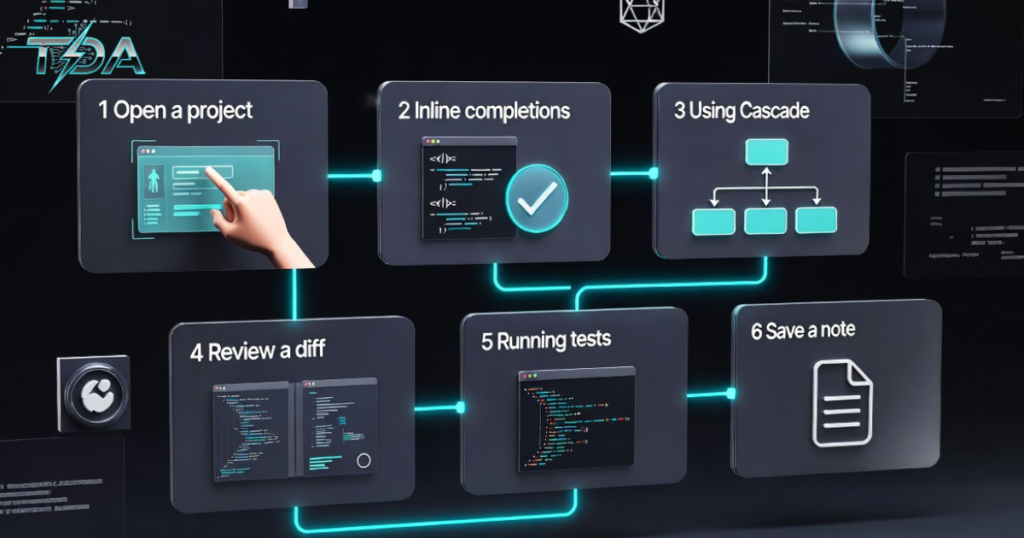
Step 1: Start Your Morning Right
Start your morning by opening Windsurf and loading your main project.
Step 2: Use Inline Completions
Use inline completions while you type new features.
Step 3: Ask Cascade for Complex Tasks
When you hit a complex part, open Cascade and describe the goal in plain English.
Step 4: Review the Diff
Review the diff carefully and accept what looks good.
Step 5: Run Tests and Fix Automatically
Run your tests inside the built-in terminal. Let Cascade fix any failures automatically.
Step 6: Save a Quick Note for Tomorrow
End the day by saving a quick note in the chat so tomorrow’s session picks up instantly.
Follow this routine, and you will see your productivity climb week after week.
An FAQ About Windsurf
What exactly is Windsurf?
Windsurf is an AI-native code editor built by Codeium that puts an intelligent agent called Cascade at the center of your coding experience.
Is Windsurf free to start?
Yes, the free tier gives you limited Cascade actions and full access to basic models with no credit card needed.
How does Windsurf compare to Cursor?
Windsurf offers stronger automatic context awareness and smoother flow between suggestions and big tasks, while Cursor provides more manual controls.
Can Windsurf really edit multiple files on its own?
Absolutely. Cascade reads your entire codebase and makes coordinated changes across files while showing you every step.
Does Windsurf support my favorite AI models?
Yes. You can switch easily between Claude, GPT, Gemini, and Codeium’s own models depending on the task.
Conclusion
Windsurf is more than just another editor. It is a complete rethink of how developers and AI can work together. With its powerful Cascade agent, smooth Flows, smart context memory, and simple daily workflow, Windsurf helps you ship better code faster while enjoying the process again.
Thousands of developers have already made the switch and never looked back. The free tier lets you test everything risk-free. Once you experience the speed and confidence Windsurf brings, you will wonder how you ever coded without it.
Ready to code smarter? Download Windsurf today and see the difference for yourself. Your future self—and your deadlines—will thank you.

Haseeb Ur Rehman Lali is the lead technical author at TechDoAction, known for decoding the latest advancements in Artificial Intelligence and Software and Security Solutions for a global audience. His research-driven articles on AI frameworks and software solutions remain some of the site’s most trusted resources. He also leads Tech Gift Guides, applying the same research-first approach to help readers find gear worth packing or gifting. His mission stays the same: turn complex choices into clear, practical knowledge readers can use immediately.
