
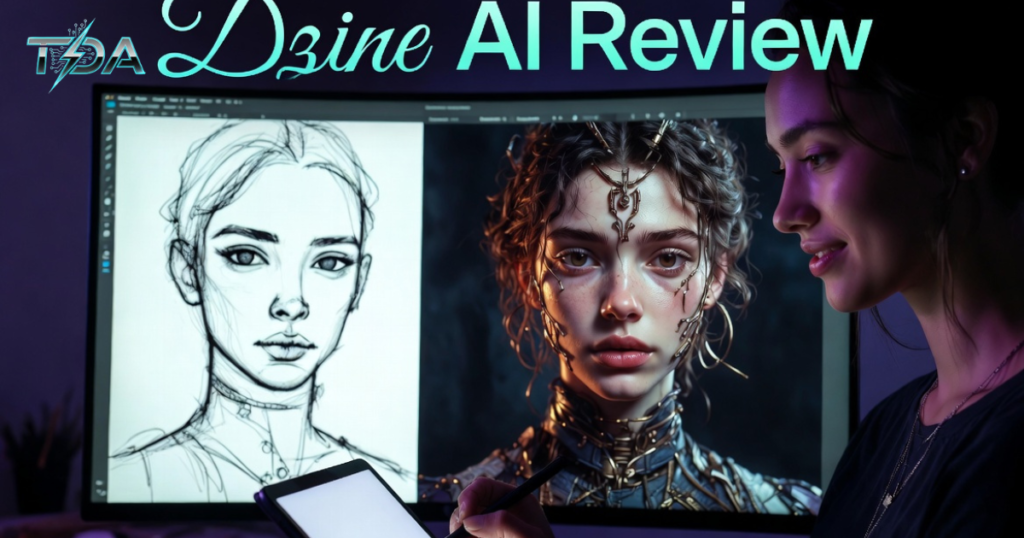
In this Dzine AI Review, I want to start by explaining exactly what Dzine AI means. Dzine AI is an all-in-one AI-powered platform that combines image creation, video generation, and smart editing tools into one easy workspace. It helps people turn ideas into finished visuals without switching between many different apps.
I have tested Dzine AI for weeks now, and I am excited to share my honest thoughts. If you are a small business owner, content creator, or someone who just loves making cool designs, this tool could change how you work. It feels like having a smart helper that understands what you want and gets it done quickly. Moreover, it saves time and money compared to using separate tools. However, like any product, it has a few things to know before you jump in. Let me walk you through everything step by step so you can decide with confidence.
What Exactly Is Dzine AI and Why It Matters
Dzine AI started as a tool called Stylar, but it has grown into a full creative suite. Instead of just generating random pictures from text, it focuses on giving you real control. You can start with a simple sketch or photo and turn it into something professional. Plus, it handles everything from basic graphics to short videos in the same place.
For example, imagine you run a small online shop and need product photos that look polished. With Dzine AI, you upload a basic image and let the AI fix lighting, add backgrounds, or even change styles. This kind of workflow feels natural because it works the way real designers think. Additionally, the platform supports top AI models like Flux, Google Imagen, and even Nano Banana Pro inside one dashboard. You do not need to pay for each model separately. That alone makes Dzine AI a smart choice for busy people who want quality without the hassle.
I remember my first time opening Dzine AI. I felt a bit nervous because I am not a professional designer. However, the clean interface looked familiar, like a simpler version of tools I had used before. Within minutes, I created my first image and edited it right there. That quick success made me want to keep exploring. Transitioning from idea to final result happened so smoothly that I kept thinking, “Why didn’t I find this sooner?”
Standout Features of Dzine AI
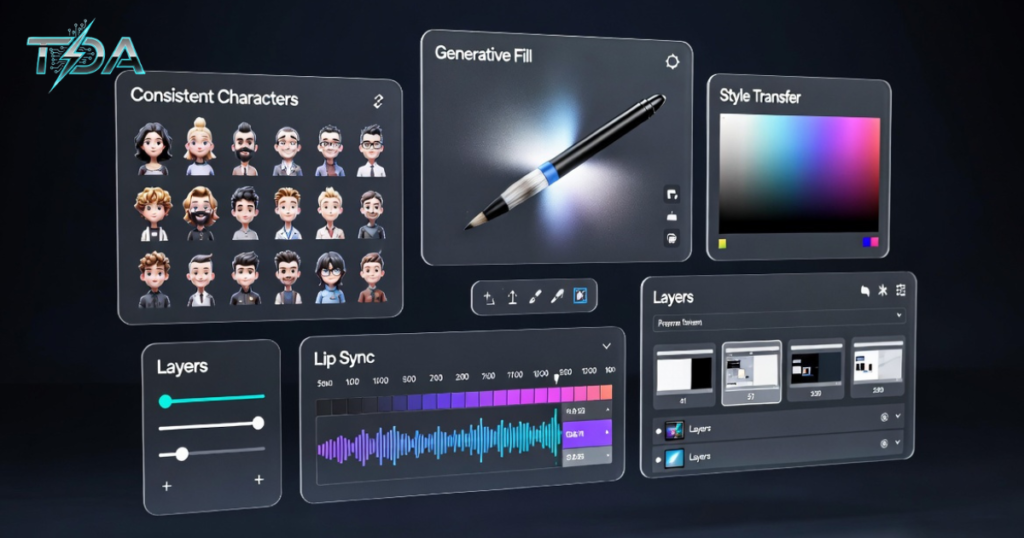
Dzine AI packs many powerful tools, but they all work together nicely. Here are the key features explained clearly:
AI Image Generation
The AI image generation lets you create pictures from text or from your own photos. You pick a model, type a prompt, and hit generate. Results come back fast, usually in under 30 seconds.
Image-to-Image Transformation
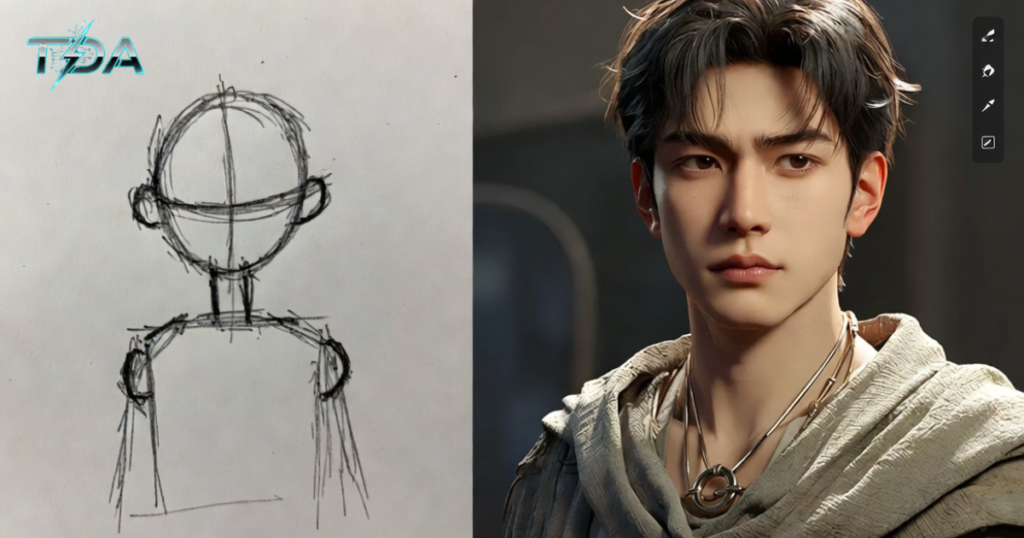
Next comes image-to-image work, one of the best parts. You upload a rough sketch or old photo, choose a style like watercolor or 3D, and the AI keeps the original layout while making it look amazing.
Generative Fill and Object Editing
Generative fill works like magic. Highlight an area, tell the AI what to add or remove, and it blends everything perfectly with the right lighting and shadows.
I tried generative fill on a simple product photo. I removed an ugly background and added a nice studio setting. The result looked so real that my friends thought I hired a photographer. That moment showed me how Dzine AI turns ordinary tasks into quick wins.
Consistent Characters
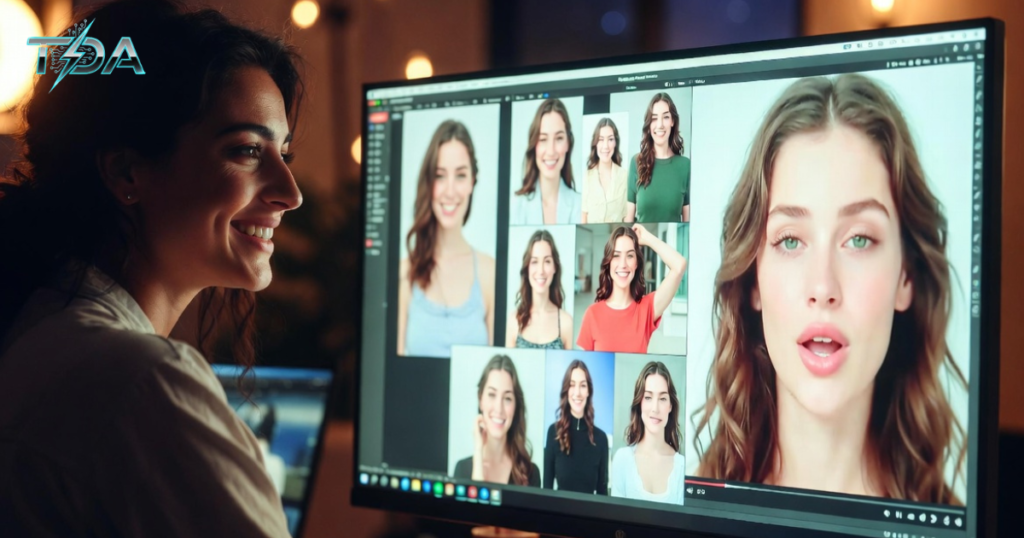
Another favorite is consistent characters. Many creators struggle to keep the same person looking right across different scenes. Dzine AI makes this easy. You set up one character once, and it stays consistent no matter what pose or background you choose.
For instance, I created a fun cartoon character named “Alex” for a short story series. Every new image matched perfectly without extra work. This feature alone saves hours for comic artists or social media storytellers.
AI Video Generation and Lip Sync
The platform also shines with AI video generation. You can turn static images into short clips using models like Kling, Runway, or Luma. There is even lip sync that brings characters to life. Just add a voice script, and the mouth moves naturally.
I used it on my character Alex and made a quick talking-head video. The output was smooth enough for social posts, though high-resolution videos sometimes need a few tries.
Style Transfer and AI Editor
Do not forget style transfer, face repair, expression edit, and the full AI editor. With sliders for eyes, eyebrows, and lips, you can change emotions without starting over. The layer-based editing feels like Photoshop but much easier. You can adjust one part without touching the rest. Plus, background removal, object insertion, and upscaling are all built in.
All these tools sit inside one canvas, so you never lose your flow. That is why Dzine AI feels like a complete studio rather than just another generator.
Step-by-Step Guide: How to Create Your First Project in Dzine AI
Let me show you exactly how simple it is. Follow these steps and you will have a finished design in minutes.
- Sign up and log in to Dzine AI. The free plan gives you credits to test things right away.
- Click “Create New” and choose image or video mode. Start with an image for practice.
- Upload a reference photo or sketch, or type a text prompt. Use the built-in prompt improver to make your words clearer.
- Pick a style from the easy menu. Options include studio photography, cartoon, or metallic fluid. Hit generate.
- Once the image appears, use the AI editor. Highlight an area, type what you want to change, and apply generative fill or object removal.
- For characters, go to the consistent characters tool. Save your first version, then create new scenes with the same face and body.
- If you want motion, switch to video mode, add lip sync, and choose a voice.
- Preview, upscale, and download. Done!
I followed these exact steps when I needed a quick Instagram post for a friend’s bakery. From plain cupcake photo to styled social graphic took less than five minutes. The result got more likes than anything I had made before. That small win built my confidence in Dzine AI even more.
Real-World Use Cases That Show Its Power
Dzine AI works great for many everyday tasks. Social media managers love it for fast graphics. You type a prompt, pick an aspect ratio like Instagram square, and get fresh posts ready to share. Moreover, marketers use it for presentations. Turn boring bullet points into eye-catching infographics in seconds.
E-commerce sellers benefit from product photography tools. Upload a plain item, and Dzine AI creates studio shots with perfect backgrounds. I helped a small shop owner who was struggling with plain photos. After one afternoon with Dzine AI, her listings looked professional, and sales went up.
On the fun side, I turned simple drawings into 3D renders and cartoon avatars for my kids. They loved seeing their stick figures come alive. These light projects remind me that Dzine AI is not just for work. It brings joy back to creating.
Another anecdote: A friend who makes short stories for YouTube used the consistent characters and lip sync features. He went from spending hours on each frame to finishing episodes in a fraction of the time. He told me, “It feels like I have a whole team now.”
How Dzine AI Compares to Other Popular Tools
Many people ask how Dzine AI stacks up against the competition. Let us look at a few.
Compared to Midjourney, Dzine AI gives you much more control. Midjourney creates beautiful art from text, but editing afterward is tricky. With Dzine AI, you generate once and refine with layers and generative fill. For professional work, Dzine AI wins because it respects your original layout.
Canva is wonderful for quick templates, but it lacks deep AI creativity. Dzine AI goes further with original generation and precise edits. If you need something unique rather than templated, Dzine AI feels more powerful.
Adobe Express offers good branding tools, but Dzine AI adds advanced AI like style transfer and expression edit at a friendlier price. Overall, Dzine AI sits in the sweet spot. It is powerful enough for pros yet simple enough for beginners.
Also Read: Windsurf Review: Is This AI Code Editor Actually Worth Switching to in 2026
Pricing and Why It Offers Great Value
Dzine AI keeps things affordable. The free plan gives you credits to try things, though outputs have watermarks. Paid plans start around $9 per month and go up based on how many credits you need. Higher tiers unlock more models, faster processing, and extra storage.
When you consider that you get image tools, video tools, and editing all in one place, the price makes sense. You save money by dropping several separate subscriptions. Plus, the platform keeps adding new models like Nano Banana Pro without extra cost. For most users, the value is clear. You get professional results without breaking the bank.
Pros and Cons of Dzine AI
Every tool has strengths and weaknesses. Here are the main ones I found.
Pros:
- Super fast generation and editing
- Intuitive interface that feels familiar
- Many top AI models in one spot
- Excellent consistent characters and lip sync
- Layer-based control for precise changes
- Good pricing for what you receive
Cons:
- Free plan has watermarks
- Lots of features can feel overwhelming at first
- Credit system needs careful watching if you experiment a lot
- Some advanced video outputs still need tweaking
Even with the small drawbacks, the pros far outweigh them. Most users quickly learn the system and love the time they save.
Pro Tips to Get the Most Out of Dzine AI
To help you succeed right away, here are my best tips:
- Always start with a clear goal. Know what you want before you open the tool.
- Use the prompt improver every time. It turns simple ideas into much better results.
- Save your favorite styles and characters in the library for quick reuse.
- Work in layers so you can undo changes easily.
- Check the community tutorials if you get stuck. They are short and helpful.
- Experiment on the free plan first, then upgrade once you see the value.
Following these tips helped me go from beginner to confident user in just a few days.
FAQ
What is Dzine AI?
Dzine AI is an all-in-one platform for creating and editing images and videos using smart AI tools in one workspace.
Is Dzine AI better than Midjourney for editing?
Yes, Dzine AI offers more control with layers, generative fill, and image-to-image tools, making it stronger for professional edits.
Does Dzine AI have a free plan?
Yes, it offers a free plan with credits, though outputs include watermarks until you upgrade.
Can Dzine AI create videos?
Absolutely. It includes AI video generation, image-to-video, and lip sync features for moving content.
Is Dzine AI good for beginners?
Yes, the simple interface and step-by-step tools make it easy to learn, even if you have never used design software before.
Conclusion
After everything I have tested and shared in this Dzine AI Review, I can say with full confidence that Dzine AI is a game-changer for anyone who creates visuals. It brings together speed, control, and quality in a way that feels natural and fun. Whether you need social media posts, product images, consistent characters for stories, or quick videos, this platform delivers.
You will save hours every week and get results that look professional. The affordable pricing and constant updates make it a smart investment. Stop jumping between apps and start creating with confidence.
Ready to see the difference for yourself? Head over to the official Dzine AI site and start your free trial today. You will wonder how you ever worked without it. Give Dzine AI a try and watch your creative ideas come to life faster than ever before.

Haseeb Ur Rehman Lali is the lead technical author at TechDoAction, known for decoding the latest advancements in Artificial Intelligence and Software and Security Solutions for a global audience. His research-driven articles on AI frameworks and software solutions remain some of the site’s most trusted resources. He also leads Tech Gift Guides, applying the same research-first approach to help readers find gear worth packing or gifting. His mission stays the same: turn complex choices into clear, practical knowledge readers can use immediately.
