
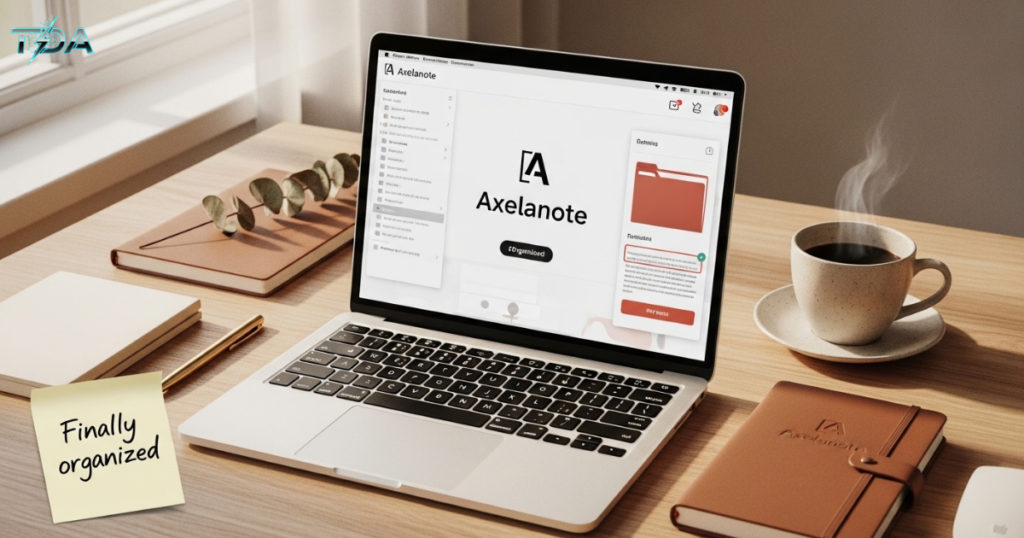
Let me tell you a quick story. Last month, my friend Sarah, a freelance graphic designer, lost an important client brief. She had scribbled the project details on a sticky note, saved a screenshot on her phone, and emailed herself a voice memo. When the client asked for a specific color palette she had promised, Sarah spent over an hour searching through three different apps, her desk drawer, and even her car’s glove compartment. The idea was there, but it was buried under digital and physical clutter.
That’s when she realized: taking notes is easy. Finding them later is the real battle.
If you’ve ever felt that frustration, whether you’re a student, a busy professional, or someone who just wants to stay organized, then Axelanote might be the solution you’ve been waiting for.
What Exactly Is Axelanote?
Axelanote is a modern, all‑in‑one digital note‑taking platform designed to help you capture, organize, and retrieve information quickly. Unlike traditional note apps that simply store text, Axelanote focuses on structure, clarity, and usability.
Think of it as your second brain. You can write ideas, annotate PDFs, collaborate with teammates, and sync everything across your phone, tablet, and computer. The best part? It keeps your original documents completely untouched while you work on them.
In simple words: Axelanote turns messy thoughts into organized, actionable notes without a steep learning curve.
Why Most Note‑Taking Systems Fail (And How Axelanote Fixes That)
Before we dive into features, let’s look at the everyday problems that Axelanote solves.
The Scattered Notes Problem
You start a project idea in Google Keep, save a research PDF in OneDrive, and type meeting minutes in Notion. Soon, your information will be spread across five different tools. When you need to pull everything together, you waste time switching between apps.
The PDF Barrier
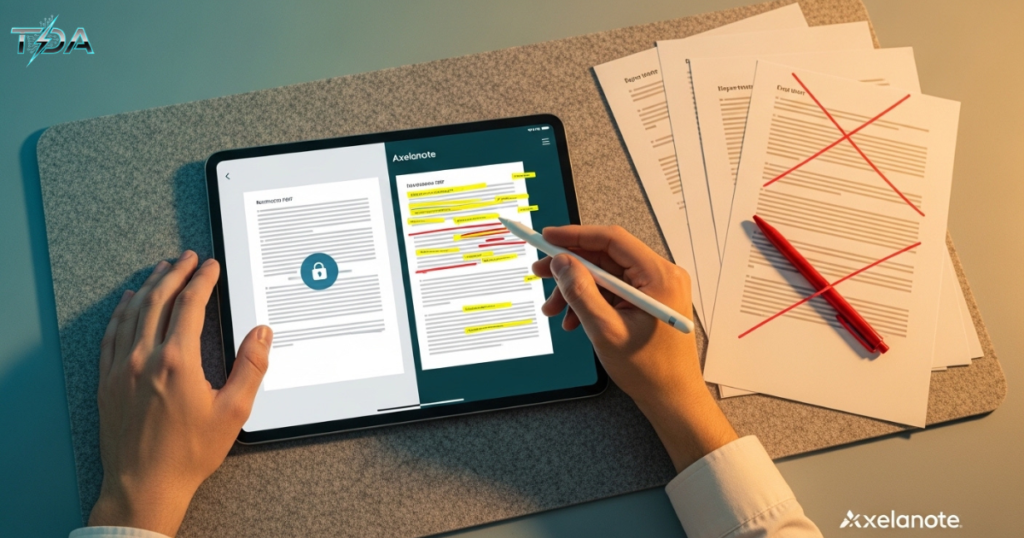
Have you ever received a PDF with editing disabled? You can’t highlight, add comments, or draw on it. Your only options are to print it (killing trees) or leave it blank.
Version Control Chaos
“Here’s the final_v3_final_REALLY final.docx.” We’ve all been there. Email threads create multiple copies, and no one knows which one is the latest.
Axelanote solves all three. It brings your notes into one centralized workspace, lets you annotate any PDF (even restricted ones) with a non‑destructive overlay, and keeps all feedback inside a single document—no more duplicate files.
Key Features That Make Axelanote Stand Out

Let’s break down the most powerful tools you’ll find inside Axelanote. I’ve bolded the important terms so you can spot them easily.
1. Non‑Destructive PDF Annotation
This is Axelanote’s superpower. You can write, draw, highlight, and add sticky notes on top of any PDF. The original file stays completely intact. Even if the PDF has printing or editing restrictions, Axelanote adds a transparent layer where your annotations live. You can show, hide, or delete that layer anytime.
Real‑life example: A lawyer can add private case notes to a contract without altering the original legal document. The client sees the clean PDF; the lawyer sees their own analysis.
2. Smart Organization with Tags, Folders, and Layers
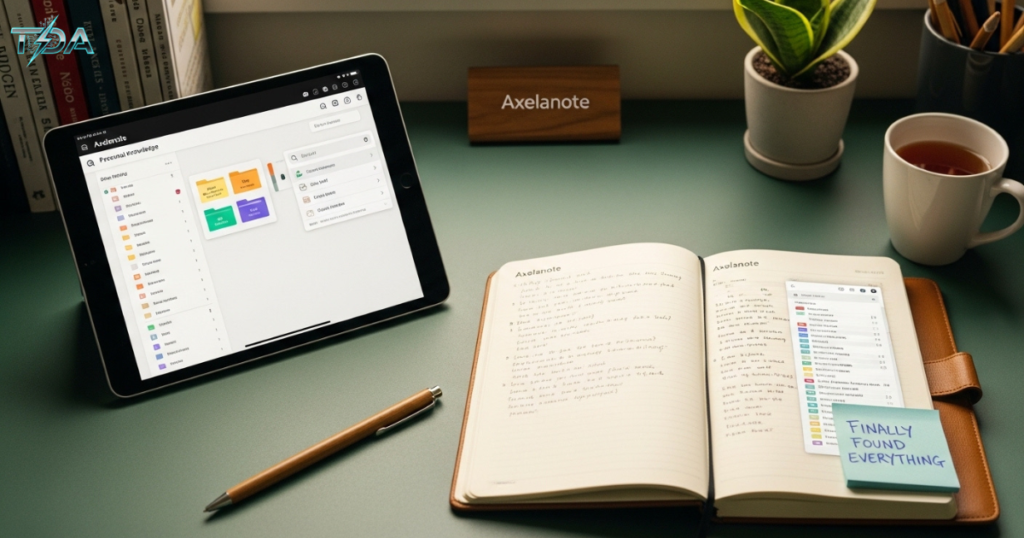
Forget endless lists. Axelanote lets you create folders and sub‑folders for big projects, then use color‑coded tags to filter related notes. You can also add multiple annotation layers—for example, one layer for your personal thoughts, another for team feedback, and a third for client comments. Each layer can be turned on or off with one click.
3. AI‑Powered Note Assistance
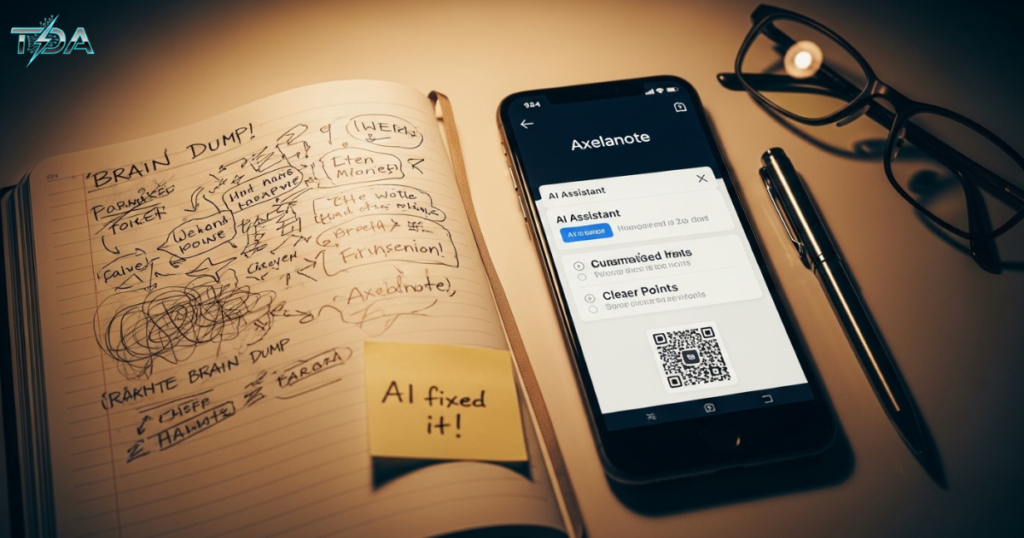
Stuck with a messy brain dump? Axelanote’s optional AI assistant can summarize long notes, suggest better titles, and even reformat your bullet points into a clean outline. This saves you from manually editing every sentence.
4. Cross‑Platform Sync & Cloud Security
Your notes follow you everywhere. Start typing on your Windows laptop during a meeting, then continue on your iPhone while commuting. Cloud sync happens automatically and in real time. All data is encrypted, so your ideas stay private and safe.
5. Collaboration Without the Mess
Share a note or a PDF with your team, and everyone can comment, draw, or write in real time. Instead of emailing attachments back and forth, you all work inside the same document. Version history lets you undo any change—so no one’s work ever gets lost.
6. Custom Templates & Formatting Tools
Don’t start from scratch every time. Axelanote includes pre‑made templates for meeting minutes, project plans, lecture notes, and daily to‑do lists. You can also create your own templates and reuse them with one click.
7. Export to CSV for Data Lovers
Researchers and analysts will love this: you can export your annotated data as a CSV file and open it in Excel or Google Sheets. That means you can turn highlighted PDF comments into a structured database.
Step‑by‑Step Guide: How to Start Using Axelanote (In 10 Minutes)
You don’t need to be tech‑savvy. Follow these simple steps, and you’ll have your first organized notebook up and running.
Step 1: Sign Up for a Free Trial
Go to the Axelanote website and click “Start Free Trial” (30 days, no credit card required). Use your email or Google account to register.
Step 2: Download the App
Axelanote works on Windows, macOS, iOS, Android, and any web browser. Install it on your main devices. The sync will work automatically.
Step 3: Create Your First Notebook
After logging in, click “New Notebook” and give it a name like “Work Projects” or “Study Notes.”
Step 4: Add a Few Folders and Tags
Inside the notebook, create folders for different categories. For example:
- Folder: “Client Meetings”
- Folder: “Research PDFs”
- Tags: urgent, idea, to‑discuss
Step 5: Write Your First Note
Click “New Note” and start typing. Use the toolbar to add headings, bullet points, images, or even a sketch (if you have a stylus).
Step 6: Annotate a PDF
Drag any PDF into your notebook. Axelanote will open it. Now use the pen, highlighter, or sticky‑note tool to mark it up. Notice how the original file never changes.
Step 7: Share and Collaborate (Optional)
Invite a teammate by clicking “Share” and entering their email. Set their permission to “View,” “Comment,” or “Edit.” You can work together in real time.
Step 8: Sync and Go Mobile
Install Axelanote on your phone, log in, and all your notes will appear instantly. Now you can review your PDFs or add a quick idea while waiting for coffee.
That’s it. You’re now organized.
Also Read: Geekzilla.tech Honor Magic 5 Pro: The Smartest Flagship You Can Buy in 2026
Who Is Axelanote For? (Use Cases)
| User | How They Benefit |
| Students & Researchers | Store lecture notes, highlight research papers, and tag topics for exam revision. |
| Business Professionals | Keep meeting minutes, annotate reports, and share feedback without email chaos. |
| Project Managers | Track tasks, maintain project documentation, and collaborate with remote teams. |
| Content Writers & Bloggers | Collect ideas, outlines, and research in one searchable workspace. |
| Freelancers & Remote Workers | Manage client notes, deadlines, and project files from one dashboard. |
| Engineers & Architects | Annotate blueprints and technical drawings while keeping original files untouched. |
In fact, a 2026 government pilot in Japan using similar annotation tools reported a 30% reduction in document review time. Imagine saving three hours every week simply by having a cleaner note system.
Axelanote vs. Other Popular Note Apps
How does Axelanote compare to giants like Notion, Evernote, OneNote, or Google Keep? Here’s a simple breakdown.
| Feature | Axelanote | Notion | Evernote | Google Keep |
| PDF annotation on restricted files | Full overlay | Limited | No | No |
| Non‑destructive layers | Yes | No | No | No |
| Stylus/handwriting support | Optimized | Basic | Basic | No |
| AI note summarization | Available | Via third party | No | No |
| CSV export of annotations | Yes | No | No | No |
| Learning curve | Low | Medium‑High | Low | Very Low |
| Free version | Yes (basic) | Yes | Limited | Yes |
As you can see, Axelanote wins on PDF handling and layered annotation while keeping things simple. If you’ve ever felt overwhelmed by Notion’s infinite customization or frustrated by Evernote’s cluttered interface, Axelanote feels like a breath of fresh air.
Pricing Plans: Affordable for Everyone
Axelanote offers a freemium model. The free plan includes basic note‑taking, up to 50 notes, and cross‑device sync.
For power users, the paid plans start at just **25.50 per year** (about 2.13 per month). Two options are available:
| License Type | Annual Price (USD) | Best For |
| User License | $25.50 | Individuals (covers your computer, laptop, and phone) |
| Device License | $35.37 | Labs, shared computers, or training rooms |
Both come with:
- Unlimited notes and PDF annotations
- All collaboration features
- Priority customer support
- 30‑day money‑back guarantee
Compare that to Evernote Professional at 14.99/month (179/year) or Notion’s Plus plan at 10/month (120/year). Axelanote gives you 80% of the core features at 20% of the cost.
💡 Pro tip: Start with the free 30‑day trial. If you like it, the User License is the best value for most people.
Real User Anecdotes (From the Blog Posts)
I’ve read dozens of user reviews while researching this article. Here are two that stuck with me.
Emma, a law student:
“I have to read hundreds of case PDFs. Before Axelanote, I would print them out and use highlighters. Now I annotate everything digitally, and I can search for keywords across all my notes. I cut my study time by almost half.”
Carlos, a remote project manager:
“My team used to send 20+ email attachments per project. With Axelanote, we share one document. Everyone adds their feedback in different colored layers. No more ‘which version is the latest?’ It saved us from a major client mistake last quarter.”
These stories show that Axelanote isn’t just a nice‑to‑have—it’s a productivity lifeline.
Why You Should Buy Axelanote With Confidence
Still on the fence? Let me address the most common worries.
I already use another note app. Why switch?
Because you deserve a tool that works for you, not against you. If you spend more than 10 minutes a day searching for notes or dealing with PDF restrictions, switching to Axelanote will pay back that time within a week.
Is it hard to migrate my old notes?
Axelanote supports import from Evernote, OneNote, and plain text files. You can bring your entire history over in a few clicks.
What if I don’t like it after a few months?
They offer a 30‑day free trial and a 30‑day money‑back guarantee on paid plans. You can test every feature risk‑free.
Is my data safe?
Yes. All data is encrypted in transit and at rest. Axelanote does not sell your information. You can also export everything as a backup anytime.
In short, you have nothing to lose and hours of productivity to gain.
Step‑by‑Step Guide to Maximize Your Productivity With Axelanote
Once you’ve signed up, here are five habits to build for the best results.
- Set up a folder hierarchy on day one.
Create folders for “Personal,” “Work,” “Studies,” and “Archive.” Add sub‑folders as needed. - Use a consistent tagging system.
Examples: #idea, #action, #waiting, #reference. Tags work across folders, so you can find related notes instantly. - Create a daily planner template.
Include sections for “Top 3 tasks,” “Meeting notes,” and “Evening review.” Duplicate it every morning. - Review your notes weekly.
Every Friday, spend 15 minutes cleaning up old notes, merging duplicates, and archiving finished projects. - Use the mobile widget for quick capture.
Add the Axelanote widget to your phone’s home screen. Whenever an idea pops up, tap and speak or type it. It will sync to your main notebook automatically.
These small routines turn Axelanote from a simple app into a complete knowledge management system.
Frequently Asked Questions (FAQ)
1. Is Axelanote completely free to use?
No, it is not completely free. It does offer a free plan that is quite generous. This plan allows you to have up to 50 notes and basic sync. If you need notes and PDF annotation, you will have to go for a paid plan. These paid plans start at $25.50 per year.
2. Can I annotate PDFs that have editing disabled?
Yes, you can. Axelanote has a feature called non-destructive overlay. This feature works on any PDF, no matter what the security settings are. So even if a PDF has editing disabled, you can still annotate it. The original file will not be changed in any way.
3. Does Axelanote work offline?
Yes, it does. You can use Axelanote to create, edit, and annotate notes even when you do not have an internet connection. Once you are online, all your changes will be synced automatically.
4. Is there an app for both iPhone and Android?
Yes, there is. Axelanote has apps for both iOS and Android. In addition to these, it also has a web version. Furthermore, there are desktop apps for both Windows and macOS.
5. Can I export my notes to formats?
Yes, you can. Axelanote allows you to export your notes in various formats. These include PDF, Markdown, text, and CSV. The CSV format is particularly useful for data. This feature makes it easy to switch to a note-taking app if you want to. Most users, however, choose to stay with Axelanote.
Conclusion: Your Ideas Deserve a Better Home
We all have hundreds of ideas, tasks, and insights floating around. The difference between feeling overwhelmed and feeling in control is simply where you put them.
Axelanote gives you a clean, fast, and powerful place to capture everything. You don’t need to be a productivity guru. You don’t need to learn complex databases. You just need to start writing, and Axelanote takes care of the rest.
Remember Sarah from the beginning? She switched to Axelanote two weeks ago. Yesterday, she told me, “I found that color palette in five seconds. I’m never going back to sticky notes.”
So here’s my straightforward advice: Try the 30‑day free trial today. Spend one hour setting up your folders and importing your current notes. By the end of the week, you’ll wonder how you ever worked without it.
Your ideas are valuable. Give them a home that respects them. Get Axelanote now.

Haseeb Ur Rehman Lali is the lead technical author at TechDoAction, known for decoding the latest advancements in Artificial Intelligence and Software and Security Solutions for a global audience. His research-driven articles on AI frameworks and software solutions remain some of the site’s most trusted resources. He also leads Tech Gift Guides, applying the same research-first approach to help readers find gear worth packing or gifting. His mission stays the same: turn complex choices into clear, practical knowledge readers can use immediately.
