
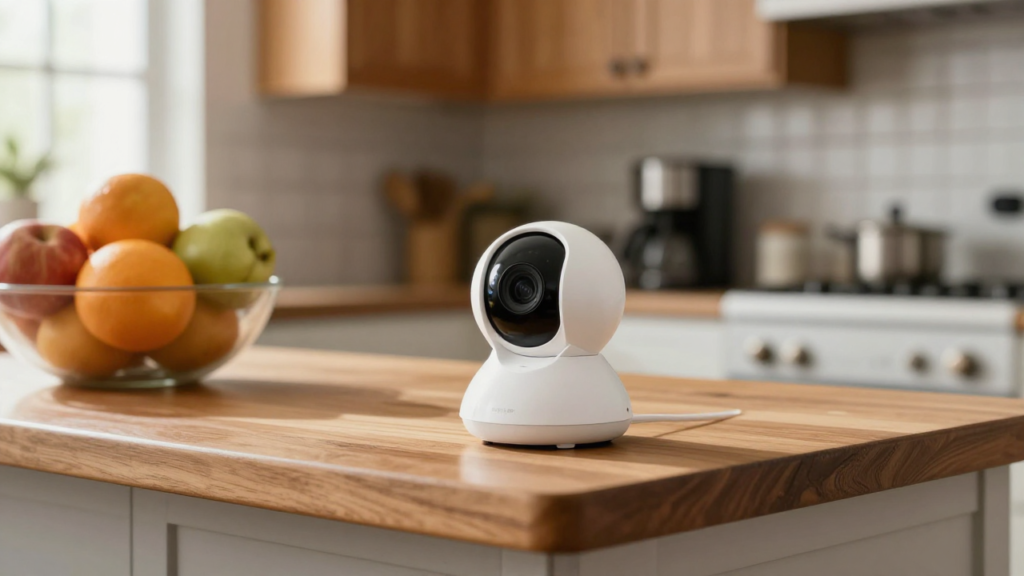
A security camera is a video camera that records activities in and around a property to detect and prevent crime. These devices capture footage of specific areas and send recordings to storage devices like DVRs, SD cards, or cloud servers. People search for security cameras because they want to protect their homes, monitor their families, keep an eye on pets, or simply gain peace of mind when they are away. Whether you are concerned about package theft, want to check on your kids after school, or need to watch over your business after hours, a good security camera system gives you that extra layer of safety.
Security cameras have become one of the most popular smart home devices in recent years. According to industry data, a significant number of residences now own at least one security camera or video doorbell. This growing demand is driven by falling prices, easier installation, and the convenience of checking your camera feed from anywhere using a smartphone. In this guide, we will walk you through everything you need to know about choosing the right security camera for your needs, from basic features to top product recommendations.
What Is a Security Camera?
A security camera, also known as a CCTV or closed-circuit television camera, uses radio frequency to send images or video recordings of a particular area to a designated storage device. These cameras connect either wirelessly or through cables and typically activate when motion or sound is detected.
Modern security cameras are designed to detect specific events such as break-ins, motion in restricted areas, or unusual activity, and then notify the user. Unlike surveillance cameras that provide continuous monitoring, security cameras are event-driven and alert you only when something happens. This makes them more suitable for homes and small businesses where constant monitoring by security personnel is not practical.
Most security cameras today come with smart features like motion detection, mobile alerts, two-way audio, and cloud storage options. They are designed for easy installation and can often be set up without professional help. Many models link directly to your smartphone or tablet, allowing you to view live footage from anywhere in the world.
Why People Need Security Cameras
The reasons people invest in security cameras are both practical and emotional. Here are the most common pain points that drive people to buy these devices:
Fear of break-ins and theft is perhaps the biggest motivator. When you leave your home for work or travel, you naturally worry about whether your property is safe. A visible security camera can deter potential criminals from targeting your home. Simply having a camera in plain sight makes intruders think twice.
Package theft has become a major problem with the rise of online shopping. Millions of packages are stolen from doorsteps every year. A security camera pointed at your front door can capture evidence of theft and help identify the culprits.
Monitoring children and elderly family members is another common reason. Working parents often want to check on their kids after school or verify that elderly relatives are safe at home. With a security camera, you can look in anytime without disturbing anyone.
Pet monitoring has also become a popular use case. Many pet owners use indoor security cameras to watch their furry friends during the day, ensuring they are not destructive or distressed.
Peace of mind is the emotional benefit that ties everything together. Knowing you can check your home at any moment reduces anxiety and helps you feel more in control, even when you are far away.
Key Features Breakdown
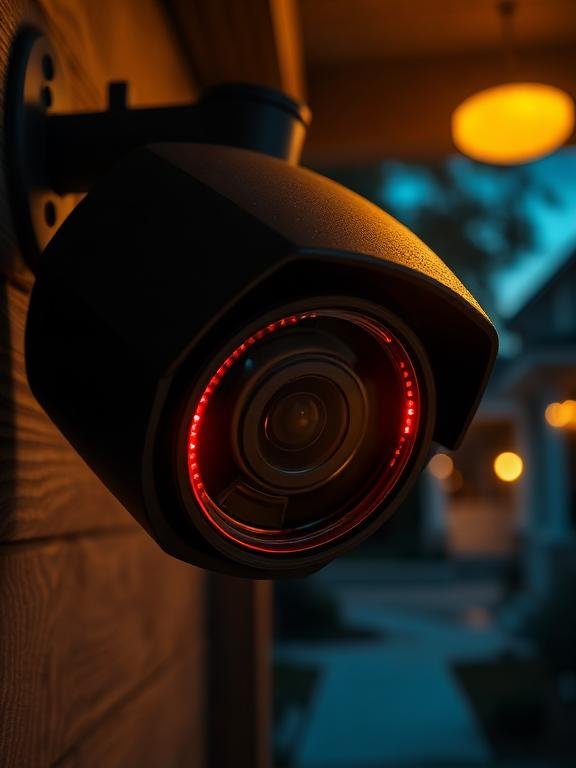
When shopping for a security camera, you will encounter many technical terms and features. Understanding what each one means will help you make a better decision.
Resolution and Image Quality
Resolution determines how sharp and detailed your video footage will be. For most homes, 1080p to 4MP or 2K resolution offers the best balance of image quality and bandwidth. Higher resolution gives you clearer images that make it easier to identify faces or license plates. However, higher resolution also consumes more storage space and bandwidth. If you want to zoom in on details after recording, a 2K or 4K camera is better for that purpose.
Night Vision
Nearly all security cameras come with night vision, meaning they can record in low light using infrared technology. However, the picture quality at night is usually not as good as during the day. Some premium models offer color night vision using built-in spotlights, which provides much better clarity in the dark.
Motion Detection and Alerts
When a security camera detects movement, it sends an alert by email or push notification to your phone. You can usually set specific areas within the camera’s view where you want to receive alerts. This feature helps reduce false alarms by, for example, excluding tree branches or curtains that move in the wind. Advanced cameras use AI to distinguish between people, vehicles, pets, and other moving objects, making alerts more relevant.
Two-Way Audio
Most security cameras have a microphone so you can hear what is happening in the video. Some include a speaker that allows you to talk through the camera using your smartphone app. This is useful for telling a delivery person where to leave a package, scaring off an intruder, or calming a pet.
Field of View
The field of view determines how much area the camera can cover. A wider angle means fewer blind spots. Some cameras offer pan and tilt functionality, allowing you to remotely move the camera horizontally and vertically to cover more space.
Storage Options
Security cameras offer two main storage options: local and cloud. Local storage uses a microSD card inserted into the camera or hub. Cloud storage uploads your footage to remote servers, which you can access from anywhere. Cloud storage typically requires a monthly subscription, which can range from $4.50 to $24 per month depending on features and the number of cameras.
Weatherproofing
For outdoor use, you need a security camera with proper weatherproofing. Check the IP rating to see how well the camera resists dust and water. An IP65 or IP67 rating is generally recommended for outdoor use.
Power Source
Security cameras can be powered in several ways. Plug-in cameras have a continuous power supply but require proximity to an outlet. Battery-powered cameras offer flexible placement but need periodic recharging. Some models come with solar panels that keep the battery charged automatically. Wired PoE (Power over Ethernet) cameras provide both power and data through a single cable, offering the most reliable connection.
Real-Life Benefits

Understanding the features is one thing, but knowing how they translate into real-life advantages is what truly matters. Here are the practical benefits you can expect from a good security camera.
Crime deterrence is the most immediate benefit. When criminals see a camera, they are far less likely to target that property. Even a fake camera can have some effect, but a real one provides actual evidence if a crime does occur.
Evidence collection is invaluable if something happens. Whether it is a break-in, a car accident in front of your house, or a neighbor dispute, having video footage gives you concrete proof. This can help police investigations and insurance claims.
Remote peace of mind allows you to check on your home from anywhere in the world. Whether you are on vacation, at work, or simply in another room, you can open the app and see what is happening in real time.
Package monitoring helps you know exactly when deliveries arrive. You can verify that packages were delivered and see if anyone takes them. Some cameras even let you speak to delivery drivers through two-way audio.
Family safety is enhanced when you can check on children, elderly parents, or pets throughout the day. You can confirm that kids arrived home from school safely or that an elderly relative has not fallen.
Insurance savings may be available from some providers if you have a professionally installed and monitored security system. While DIY cameras may not qualify, they still provide the protective benefits that insurers appreciate.
Step-by-Step Usage Guide
Setting up a security camera properly is essential to get the most out of your investment. Follow this step-by-step guide for a smooth installation and operation.
Step 1: Choose the Right Location
Think about what you want to monitor. For outdoor cameras, consider entry points like front doors, back doors, garage doors, and ground-floor windows. For indoor cameras, think about common areas like living rooms, hallways, and rooms with valuables. Make sure the camera has a clear line of sight without obstructions.
Step 2: Check Your Wi-Fi Signal
Most security cameras rely on Wi-Fi to transmit video. Before installing, check that the camera location has a strong Wi-Fi signal. If the signal is weak, consider moving your router closer or using a Wi-Fi extender.
Step 3: Install the Camera
Follow the manufacturer’s instructions for mounting. For outdoor cameras, make sure they are weatherproof and installed securely. For battery-powered models, ensure the battery is fully charged before mounting. For plug-in models, make sure there is a nearby power outlet.
Step 4: Connect to the App
Download the manufacturer’s app on your smartphone. Most apps guide you through the setup process step by step. You will typically need to create an account, scan a QR code on the camera, and connect it to your Wi-Fi network.
Step 5: Configure Motion Zones
Set up motion detection zones to reduce false alarms. Exclude areas that frequently have movement, like busy streets or trees that sway in the wind. Focus on the specific areas you care about, such as your front door or driveway.
Step 6: Set Up Notifications
Choose how you want to receive alerts. Most apps let you customize notification settings, including whether you want push notifications, emails, or both. You can often schedule when you want to receive alerts, such as only at night or when you are away from home.
Step 7: Test the System
Walk in front of the camera to make sure motion detection works. Check the video quality during the day and at night. Test the two-way audio if your camera has it. Make sure you can access the live feed from your phone when you are away from home.
Step 8: Review and Adjust
After a few days, review the footage and alerts you have received. Adjust motion zones or sensitivity settings if you are getting too many false alerts or missing important events. Fine-tune the camera angle if needed to capture the area you want.
Best Product Recommendations
After researching dozens of security cameras on the market and consulting expert reviews from PCMag, CNET, Consumer Reports, and Wirecutter, here are our top recommendations for different needs and budgets.
1. Arlo Essential Pan Tilt Indoor – Best Overall Indoor Camera
The Arlo Essential Pan Tilt Indoor is widely regarded as one of the best indoor security cameras available. It delivers sharp 2K resolution and smooth mechanical pan-and-tilt controls that let you cover an entire room. The AI-powered intelligent alerts distinguish between people, pets, and other movements. It works with Amazon Alexa, Google Assistant, and Apple HomeKit, making it extremely flexible. This camera is ideal for monitoring large rooms where a fixed camera would miss important areas.
Pros: Excellent 2K video quality, smooth pan and tilt, wide smart home compatibility, reliable performance.
Cons: Higher price point, some features require subscription.
Best for: Homeowners who want comprehensive room coverage and have multiple smart home devices.
2. Eufy Indoor Cam E220 – Best for Local Storage
The Eufy Indoor Cam E220 offers sharp 2K video with automatic motion tracking. It supports both local and cloud storage, but the local storage option means you do not need a monthly subscription. It works with Amazon Alexa, Apple HomeKit, and Google Assistant. The camera is affordable while still packing features typically found on pricier models.
Pros: No mandatory subscription, sharp 2K video, automatic motion tracking, multiple smart home integrations.
Cons: Some features not available in HomeKit, no IFTTT support.
Best for: Users who want to avoid monthly fees and prefer keeping footage stored locally.
3. TP-Link Tapo C120 Indoor/Outdoor Cam – Best Budget Pick
The TP-Link Tapo C120 is a versatile security camera that works both indoors and outdoors. It offers higher resolution than many budget cameras and is available at an affordable one-time purchase price. Despite the low cost, it delivers clear video and includes useful features like motion detection and night vision.
Pros: Very affordable, works indoors and outdoors, good video quality for the price.
Cons: Limited advanced features, basic app compared to premium brands.
Best for: Budget-conscious buyers who need basic monitoring without subscription costs.
4. Blink Outdoor 2K Plus – Best Battery Life
The Blink Outdoor 2K Plus is a wireless security camera with remarkable battery life rated up to two years. It offers 2K resolution, motion detection with zone control, and two-way audio. The camera is well-rounded and reasonably priced, making it a great choice for outdoor monitoring.
Pros: Exceptional battery life, good 2K video quality, easy to use app, included hub.
Cons: Limited to Alexa support, no local video storage with the included hub.
Best for: Homeowners who want a wireless outdoor camera without worrying about frequent recharging.
5. Arlo Pro 6 – Best All-Around Home Security Camera
The Arlo Pro 6 is a feature-packed security camera that can work anywhere. It offers up to 2K resolution with HDR, color night vision, and 12x digital zoom. The 160-degree field of view is impressive for a camera of this size. It includes a built-in spotlight, strong motion detection, and event captions. This camera adapts to almost any situation, making it one of the most versatile options available.
Pros: Packed with smart features, color night vision, wide field of view, built-in spotlight.
Cons: Over $100, requires subscription for full benefits, many features may overwhelm beginners.
Best for: Users who want the most feature-rich camera and do not mind paying for premium functionality.
Comparison Table
| Camera | Price Level | Key Feature | Best Use Case | Best For |
|---|---|---|---|---|
| Arlo Essential Pan Tilt Indoor | Mid | 2K pan/tilt + AI alerts | Large indoor rooms | Smart home users |
| Eufy Indoor Cam E220 | Low-Mid | 2K + no subscription needed | Indoor monitoring | Subscription-free users |
| TP-Link Tapo C120 | Low | Indoor/outdoor versatile | Basic monitoring | Budget buyers |
| Blink Outdoor 2K Plus | Mid | 2-year battery life | Wireless outdoor use | Battery-conscious users |
| Arlo Pro 6 | High | 2K HDR + color night vision | Comprehensive security | Feature seekers |
Buying Guide: What to Check Before Purchase
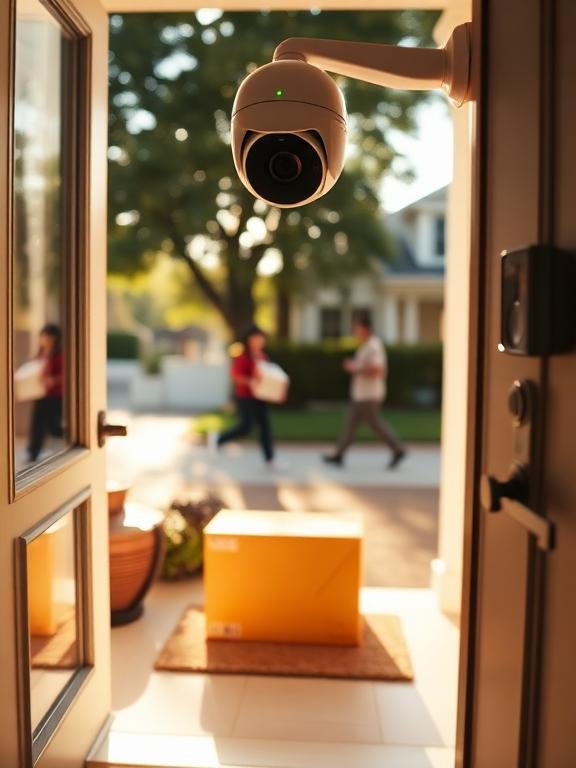
Before you buy a security camera, consider these important factors to ensure you get the right one for your needs.
Indoor or outdoor use is the first decision. Outdoor cameras need weatherproofing (IP65 or higher) and should handle extreme temperatures. Indoor cameras do not need weather resistance but may need features like privacy covers.
Resolution determines how much detail you can see. For most homes, 1080p to 2K offers the best balance. If you want to zoom in on details like license plates or faces, consider 4K cameras.
Power source affects where you can place the camera. Battery-powered cameras offer the most flexibility but need recharging. Plug-in cameras provide continuous power but require nearby outlets. Solar-powered options are becoming more popular for outdoor use.
Storage is another key consideration. Local storage (microSD card) has no monthly fees but can be stolen or damaged. Cloud storage is more secure and accessible from anywhere but requires a subscription.
Smart home compatibility matters if you use voice assistants. Check if the camera works with Amazon Alexa, Google Assistant, or Apple HomeKit.
Privacy features are increasingly important. Look for cameras with encryption, privacy modes, and the ability to turn off recording when you are home.
Who Should Buy vs Who Should Avoid
Security cameras are beneficial for most people, but they are not for everyone.
You should buy a security camera if:
- You want to monitor your home while you are away
- You receive frequent package deliveries
- You have valuable possessions you want to protect
- You want to check on children, elderly family members, or pets
- You live in an area with higher crime rates
- You simply want peace of mind
You should avoid buying a security camera if:
- You are uncomfortable with recording technology in your home
- You have privacy concerns that outweigh security benefits
- You are not willing to maintain the device (charging, updating, etc.)
- You live in a rental where you cannot install cameras
- Your budget does not allow for quality equipment and possible subscriptions
FAQ Section
What is the best resolution for a security camera?
For most homes, 1080p to 2K resolution offers the best balance of image quality and storage needs. If you need to zoom in on details like faces or license plates, consider 4K cameras. Higher resolution gives clearer images but requires more storage space and bandwidth.
Do security cameras work without Wi-Fi?
Some security cameras can work without Wi-Fi using local storage on a microSD card or by connecting to a network video recorder (NVR). However, without Wi-Fi, you cannot access live footage remotely or receive mobile alerts. Cameras with cellular connectivity are also available but typically cost more.
How long do security camera batteries last?
Battery life varies widely depending on the model and usage. Some cameras can last up to two years on a single charge, while others may need recharging every few weeks. Factors like motion detection frequency, recording length, and weather conditions affect battery life.
Are security cameras worth the monthly subscription?
It depends on your needs. Subscriptions typically provide cloud storage, advanced AI features, and longer video history. If you want access to footage from anywhere and do not want to worry about local storage, a subscription is worth it. However, many cameras work perfectly well with free local storage on a microSD card.
Can security cameras be hacked?
Like any internet-connected device, security cameras can potentially be hacked. To reduce risk, choose cameras with strong encryption, use unique passwords, keep firmware updated, and consider cameras that store footage locally rather than in the cloud. Avoid cameras with known security vulnerabilities.
Conclusion
Choosing the right security camera does not have to be complicated. Start by identifying what you want to monitor—indoors, outdoors, or both—and what features matter most to you. Consider your budget, whether you are willing to pay for a subscription, and how much technical involvement you want.
For most homeowners, a mid-range camera with 2K resolution, good night vision, and reliable motion detection will provide excellent value. If you want to avoid monthly fees, choose a camera with robust local storage options like the Eufy Indoor Cam E220. If battery life is your priority, the Blink Outdoor 2K Plus is hard to beat. For those who want the best all-around performance, the Arlo Pro 6 delivers outstanding features across the board.
Remember that the best security camera is the one that fits your specific needs and gives you the peace of mind you are looking for. Take your time, compare options, and choose a camera that makes you feel more secure in your home.
Read MOre ON Tech Do Action

Ali Hamza Lali is the Founder and Chief Administrator of TechDoAction. A digital strategist with a background in web infrastructure and emerging technology, he built the site’s Lifestyle Tech and Tutorials section, helping readers navigate everyday tech through practical guides. He now also leads Smart Home Gadgets hands-on testing the devices that make modern living safer and smarter. When he isn’t managing site operations, Ali shares expert commentary on digital trends and home automation.
