
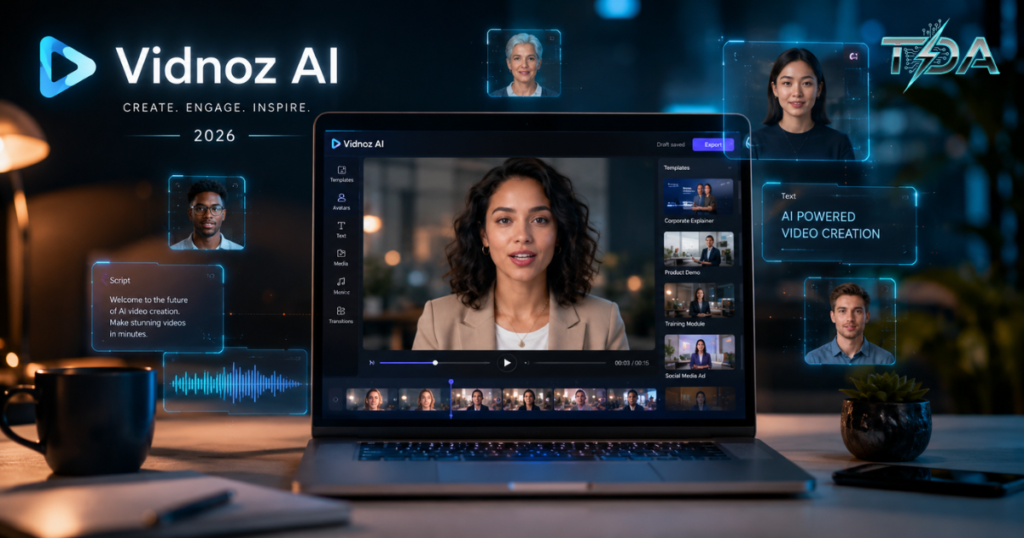
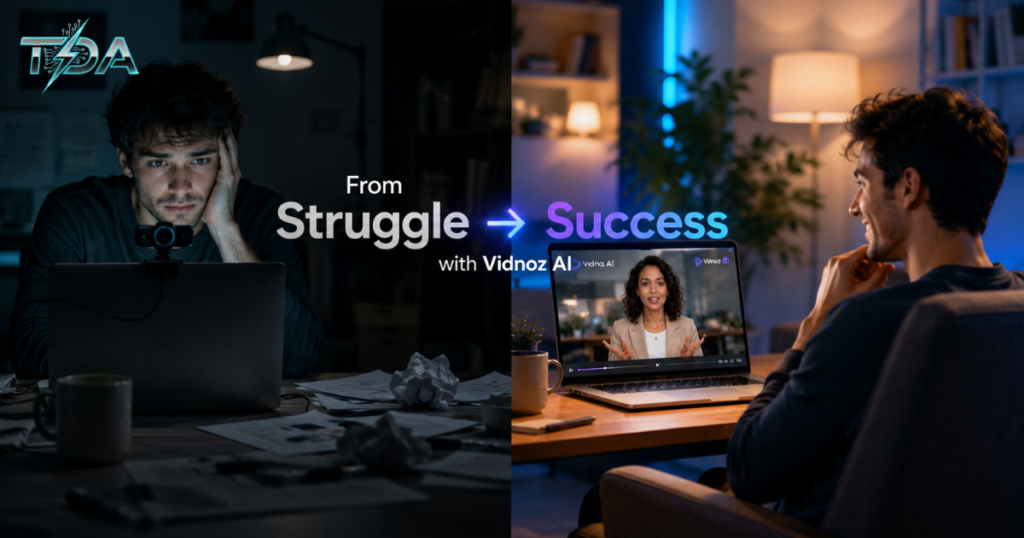
Have you ever felt excited about a video idea but then got completely stuck because you didn’t know where to start? Maybe you don’t have a camera, hate being on screen, or simply don’t have time to learn complicated editing software. That exact frustration is what so many people face every single day.
Take my friend Sarah, for example. She runs a small online jewelry store and knows that short promotional videos could help her connect with customers on social media. But every time she tried filming herself, the lighting looked terrible, her voice sounded awkward, and the editing took forever. She almost gave up. Then she discovered Vidnoz AI. In just 15 minutes, she created a polished, professional video featuring a realistic talking avatar that explained her products with natural lip sync and a friendly voice. No camera needed. No expensive equipment. Sarah was amazed — and her first video actually brought in new sales within the same week.
This is the kind of real-world success that makes Vidnoz AI stand out in 2026. In today’s fast-paced digital world, video content is one of the most powerful ways to grow a business, build an audience, or share ideas. Yet most people avoid it because it feels too hard or too expensive. Vidnoz AI changes all that. It is a powerful, user-friendly AI video generator that lets anyone create high-quality videos quickly and easily — often for free.
In this detailed guide, we’ll walk through everything you need to know about Vidnoz AI. We’ll explore its impressive features, give you a complete step-by-step tutorial, share genuine user stories, compare it with other tools, and show you why so many people now trust Vidnoz AI to handle their video needs. By the end, you’ll feel confident and excited to try it yourself.
What Exactly Is Vidnoz AI?
Vidnoz AI is an online platform that uses advanced artificial intelligence to help regular people create professional-looking videos without any technical skills, expensive gear, or previous editing experience. Everything happens right in your web browser, so there’s nothing to download or install.
The platform is divided into two main parts: Vidnoz AI for realistic avatar-based videos and Vidnoz Gen for creative image and video tools. It comes packed with more than 1,900 lifelike AI avatars and over 2,800 professionally designed video templates. That means whether you need a quick social media clip, a detailed product explainer, an educational lesson, or a training module, Vidnoz AI has a ready-made starting point.
What makes Vidnoz AI truly special is how smoothly everything works together. You can type a simple text prompt and watch the AI turn it into a complete video with natural-sounding voiceovers, perfect lip synchronization, background visuals, and smooth transitions. It supports over 140 languages, so you can reach global audiences easily. Plus, the AI voices are designed to sound warm and human rather than robotic.
Many users say Vidnoz AI removes every possible roadblock that usually stops them from finishing videos. The result? You actually create content instead of just thinking about it. Whether you are a small business owner, content creator, teacher, or marketer, this AI video generator makes professional video production feel simple and even fun.
Standout Features That Make Vidnoz AI Special
Vidnoz AI is loaded with practical tools that work together beautifully. Here are the features that users love most:
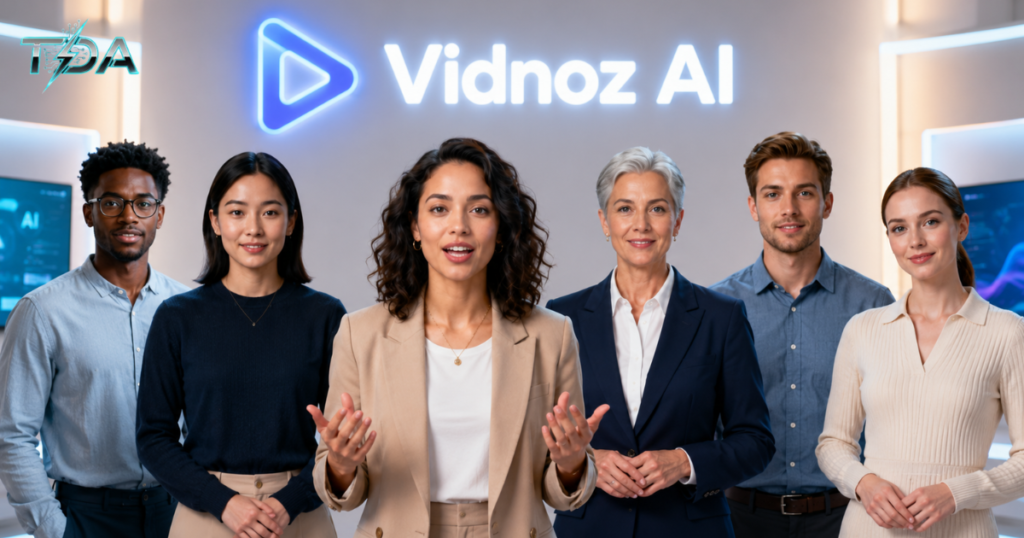
- 1,900+ Realistic AI Avatars: Pick from a huge variety of presenters with different ages, ethnicities, clothing styles, and appearances. You can even create a custom AI avatar from your own photo or turn a product into a talking spokesperson.
- 2,800+ Video Templates: These professionally designed starters are organized by industry and use case, so you can begin projects in seconds and customize them later.
- Advanced AI Voiceovers in 140+ Languages: Thousands of natural voices with realistic emotions, pauses, and tone. The lip sync is excellent in most cases.
- AI Video Wizard: Simply describe your topic or paste a script, choose a few settings, and let the AI build a full multi-scene video automatically.
- Text to Video Generator: Turn written ideas into complete videos with visuals, narration, and animations in minutes.
- Image to Video Generator: Bring still photos to life with smooth movements, gestures, and expressions.
- Fun Creative Tools: Features like Photo Dance, AI Photo Editor, AI Clothes Changer, and Video Translator let you animate photos, change outfits, or dub videos into other languages.
- Smart Built-in Editor: A drag-and-drop interface that makes fine-tuning easy and visual.
These tools combine to create one of the most complete and beginner-friendly AI video creation platforms available today. The best part? You can test most of these features on the free plan before deciding to upgrade.
Read About : Insetprag: How This Practical Innovation Platform Helps You Work Smarter and Live Better
Step-by-Step Guide: How to Create Your First Video with Vidnoz AI
One of the biggest reasons people love Vidnoz AI is how easy the whole process feels. Here is the exact step-by-step method that works best for beginners.
Step 1: Sign Up for Free
Head over to the official Vidnoz AI website and click the big “Create Free AI Video” button. No credit card is required, and you can start exploring right away.
Step 2: Choose Your Creation Method
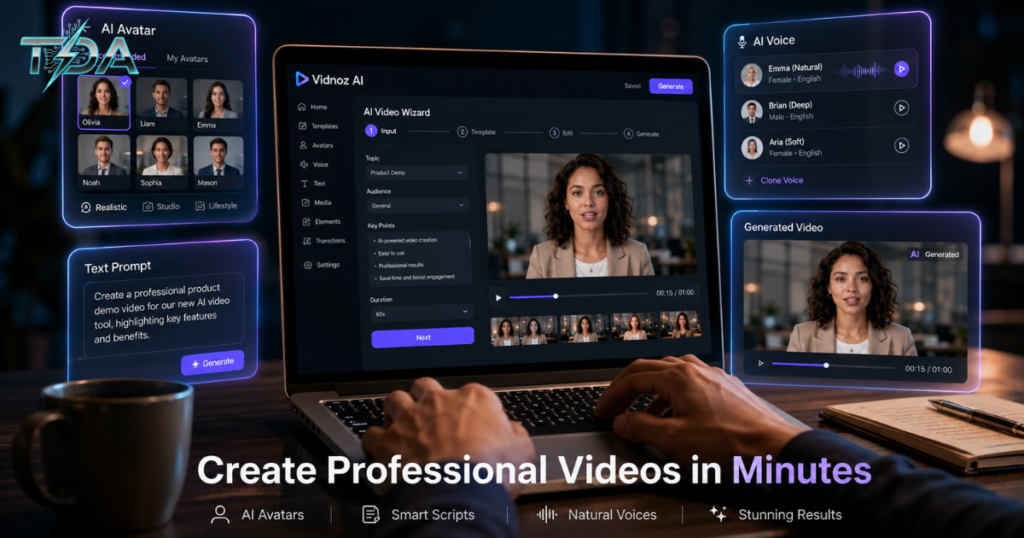
After logging in, you will see several simple options on the home screen. For your first video, select the AI Video Wizard. It is the fastest and easiest way to turn an idea into a finished video.
Step 3: Enter Your Content and Settings
Type your video topic or paste a full script. Choose how many scenes you want, pick the video format (16:9 for YouTube, 9:16 for TikTok, or 1:1 for Instagram), and select a tone such as Conversational, Formal, or Entertaining.
Step 4: Select Avatar, Template, and Voice
Browse the large library and choose the AI avatar, template, and voice that best match your needs. The default choices often work great the first time, so don’t overthink it.
Step 5: Generate the Video
Click the “Generate” button and wait just a few minutes. The AI will create the entire video, complete with lip-synced avatar, background visuals, and natural narration.
Step 6: Edit and Refine
Open the built-in editor. You can rewrite any lines of the script, drag elements around on the timeline, adjust timing, or add new effects with simple clicks.
Step 7: Enhance with AI Tools
If any image or scene doesn’t look quite right, use the built-in AI Image Generator. Just type a description like “modern conference room with diverse professionals watching an AI presentation on a large screen” and add the new image instantly.
Step 8: Export and Share
Preview the final video, make any last tweaks, then download it in high quality. Share it directly to social media, your website, or your email list.
Most people finish their first video in 10 to 20 minutes. The workflow is so smooth that you will quickly feel confident creating more advanced projects.
Real User Stories That Show the Real Value
Real people are getting impressive results with Vidnoz AI every day. Ahsan, a homeopathic consultant running an online clinic, used the platform to create marketing videos. He loved how close the avatars looked to real humans and how easily he could add his own Urdu voiceover. His videos helped attract new patients and grow his business significantly.
Craig, another small-business user, especially appreciates the daily free minutes and the outstanding customer support. He was so happy with the tool that he even created a thank-you video for the Vidnoz AI team using the platform itself.
Other reviewers praise the speed, the variety of templates, and how the AI voices have improved. Many say Vidnoz AI is the first tool that actually delivered better results than more expensive alternatives like Synthesia or HeyGen.
These stories prove that Vidnoz AI is not just another trendy tool — it delivers real, practical value for everyday creators and businesses.
Pros and Cons – Honest Assessment
Pros:
- Extremely beginner-friendly interface that anyone can use
- Huge library of AI avatars and templates
- Generous daily free credits even on the free plan
- Strong support for 140+ languages and translation
- Fast generation times and simple editing tools
- Responsive and helpful customer support team
Cons:
- A few AI voices can still sound slightly robotic in some scripts
- Free videos include watermarks and limited length
- Editing tools are perfect for quick projects but not as deep as professional software
For most users who want speed, simplicity, and great results without a big budget, the pros far outweigh these small limitations.
How Vidnoz AI Compares to Other Popular Tools
When you compare Vidnoz AI with tools like Pictory, Synthesys, or Synthesia, it shines because of its excellent free plan and massive avatar selection. Synthesia offers more advanced business features, but it costs more and takes longer to learn. Pictory is great for turning blog posts into videos, but Vidnoz AI wins when you want realistic talking avatars and quick creation.
For individuals, creators, and small teams looking for an affordable AI video generator, Vidnoz AI consistently gives better value and a much easier experience.
Who Benefits Most from Vidnoz AI?
Vidnoz AI is perfect for:
- Small business owners and marketers who need regular promotional videos
- YouTubers and social media creators are building faceless or avatar-based channels
- Teachers and trainers are creating engaging lessons and courses
- Sales and support teams making product explainers or customer service videos
- Anyone who wants to produce professional content without learning complex software
If you need to create videos consistently but don’t have a big budget or lots of time, this AI video creator levels the playing field so you can compete with larger brands.
Pricing Options That Make Sense
The free plan is genuinely useful. You get daily credits that let you create videos up to three minutes long, access to many avatars and voices, and the ability to test every major feature. Paid plans are reasonably priced for users who need more minutes or extra premium options.
This low-risk approach means you can try Vidnoz AI thoroughly and see the results for yourself before spending a single dollar. That kind of confidence-building free access is rare and very welcome.
Ready to create professional videos with confidence? Start your free journey here: Vidnoz AI Official
FAQ
1. Is Vidnoz AI truly free to start?
Yes. The free plan provides daily credits so you can create videos and test the main features without paying anything.
2. Do I need any video experience to use Vidnoz AI?
No. Vidnoz AI is built specifically for complete beginners and handles most of the technical work automatically.
3. How realistic are the AI avatars and voices?
The AI avatars look very lifelike, and the lip sync works excellently. Voices have improved a lot and sound natural in most situations.
4. Can businesses use Vidnoz AI for professional videos?
Absolutely. Many companies successfully use it for marketing, training, product explainers, and customer engagement content.
5. How many languages does Vidnoz AI support?
It supports over 140 languages for voiceovers and translation, making it easy to reach international audiences.
Conclusion
Vidnoz AI has completely changed the game for anyone who wants to create professional videos without stress or high costs. Its realistic AI avatars, powerful generation tools, generous free plan, and simple workflow remove every excuse for not producing great content.
Whether you run a small business, create social media videos, teach online courses, or simply have ideas you want to share, this AI video generator delivers fast, impressive results that you can feel proud of. Real users keep praising its ease of use, practical value, and consistent updates.
Stop putting off your video ideas because of technical difficulties or budget worries. Give Vidnoz AI a try today and discover how quickly you can go from a simple thought to a polished, engaging video that connects with your audience. Your next successful project — and the confidence that comes with it — is just a few clicks away.
Start Creating Amazing Videos Now

Haseeb Ur Rehman Lali is the lead technical author at TechDoAction, known for decoding the latest advancements in Artificial Intelligence and Software and Security Solutions for a global audience. His research-driven articles on AI frameworks and software solutions remain some of the site’s most trusted resources. He also leads Tech Gift Guides, applying the same research-first approach to help readers find gear worth packing or gifting. His mission stays the same: turn complex choices into clear, practical knowledge readers can use immediately.
